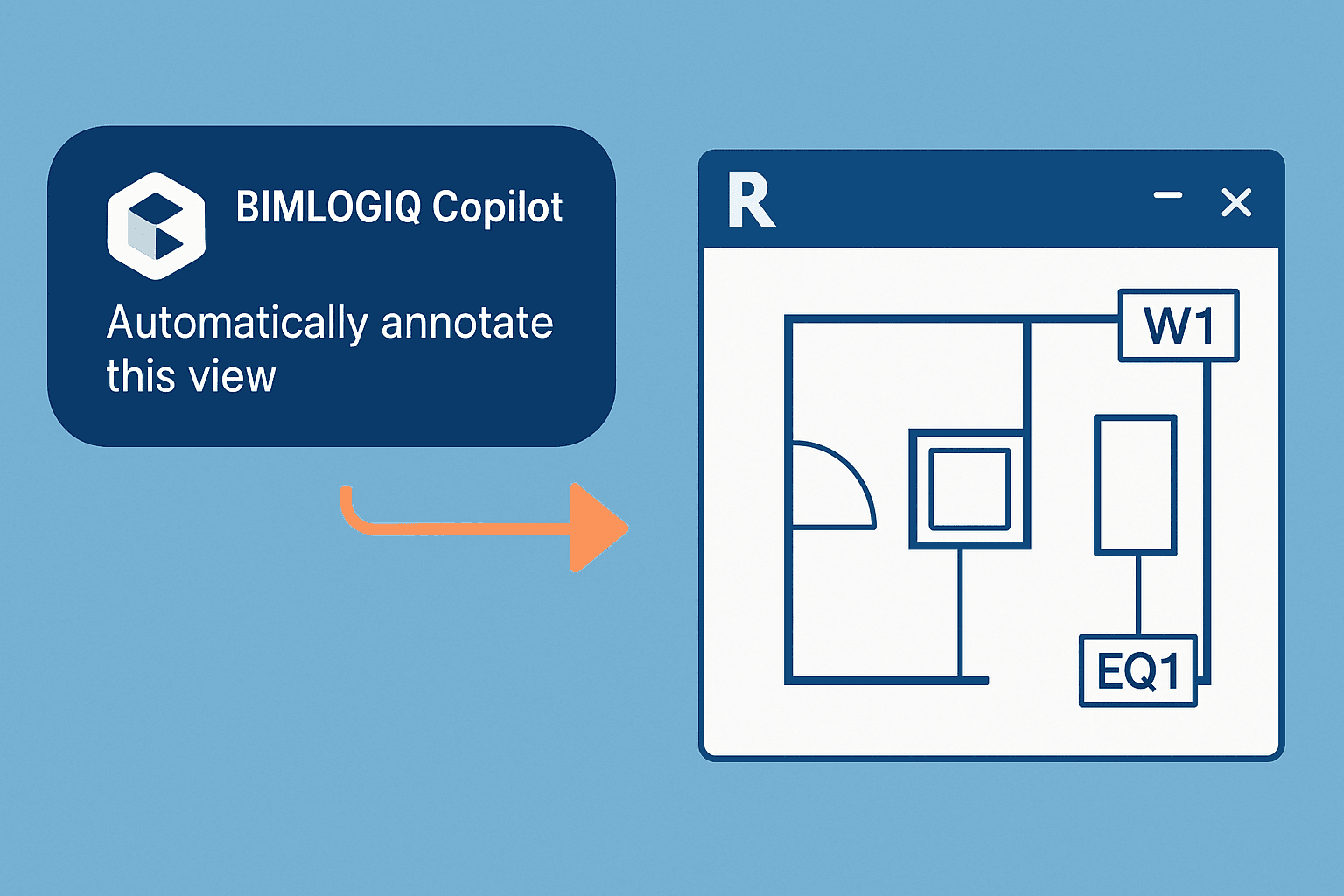

The Smart Annotation command uses intelligent automation to place tags and annotations across your Revit drawings. It analyzes your view, identifies relevant elements, and applies appropriate tags based on predefined rules—saving time, reducing errors, and ensuring consistency throughout your documentation.
This version is best suited for drawings that are not very busy. For densely annotated or complex views, consider using Smart Annotation PRO, which offers more advanced collision handling and layout optimization.
Auto-Tag Multiple Elements
Smart Annotation can scan a selected view or the entire sheet and automatically tag elements such as doors, windows, equipment, or MEP components. This eliminates the need for repetitive manual tagging.
Apply Project-Specific Tagging Rules
Users can define or customize tagging rules for different categories, ensuring that tags align with your firm’s documentation standards and element naming conventions.
Collision-Aware Placement
The command intelligently positions tags to avoid overlapping with other tags or elements, maintaining legibility and clarity in your drawings.
For complex or densely packed views, Smart Annotation PRO provides advanced strategies for optimal tag layout.