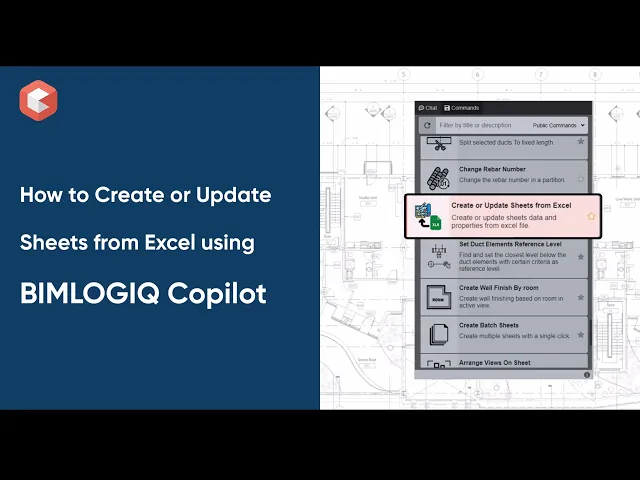

This command automates the creation and updating of Revit sheets using data imported from an Excel file. Users can define sheet numbers, names, and additional parameters like “Designed By” or “Approved By.” It supports flexible column mapping and helps maintain consistent sheet formatting across projects, streamlining documentation workflows and minimizing errors.
Seamless Sheet Creation and Updating
This command allows users to either generate new sheets or modify existing ones in a Revit project by referencing data from an Excel spreadsheet. The automation eliminates repetitive manual entry and ensures data accuracy across large projects.
Title Block Selection
Users can choose a title block that aligns with their documentation standards. This ensures all created or updated sheets maintain consistent formatting and branding throughout the project.
Customizable Column Mapping
The tool provides flexibility by allowing users to define which Excel columns map to sheet parameters like Sheet Number and Sheet Name. This removes the need to conform to rigid templates and accommodates diverse team workflows.
Supports Additional Sheet Parameters
Users can enrich their sheets with metadata fields such as Designed By, Drawn By, Checked By, and Approved By. This supports compliance with project standards and facilitates approval and review processes.