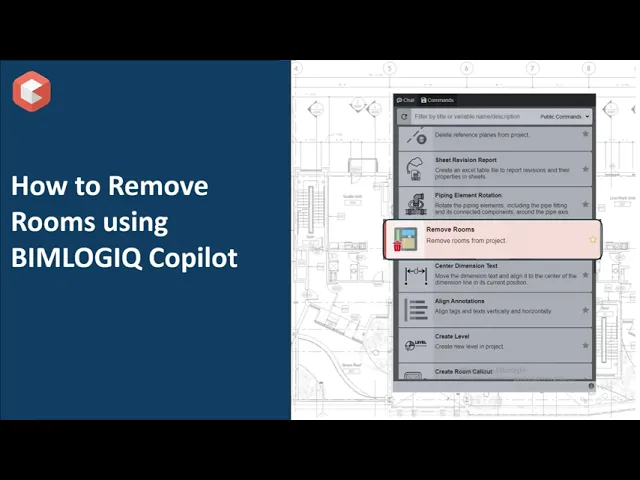

This command allows users to manage and clean up room data within Revit projects. It provides options for searching, selecting, and deleting rooms to help maintain accurate and organized room schedules.
Search and Remove Specific Rooms
Users can search for rooms by room name, room number, or a combination of both. This enables targeted selection and removal of specific rooms without impacting other project elements.
Bulk Removal of Unused Rooms
The command can identify and delete all unplaced (unused) rooms that exist in schedules but are not assigned within the model. Removing these rooms helps declutter project schedules and maintain accuracy.
Customizable Room Selection
Users can choose to remove individual rooms, multiple selected rooms, or all unused rooms, depending on the project’s requirements. This flexibility supports different workflows and project sizes.