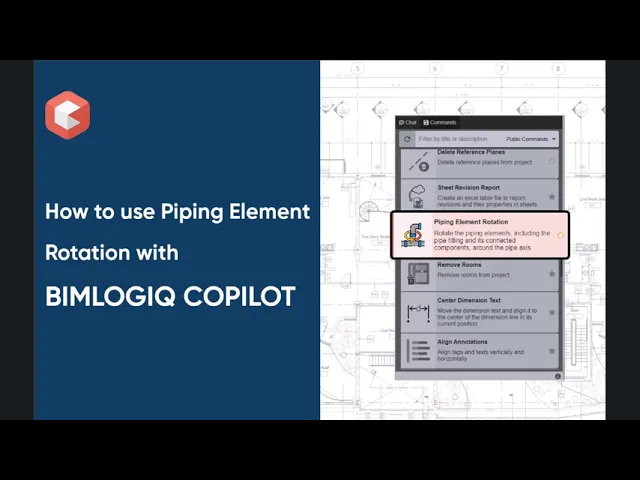

This command enables users to rotate pipe fittings around the axis of a reference pipe while preserving system connectivity. With precise control over rotation angle and direction, and the ability to include connected elements, this feature streamlines MEP layout adjustments and enhances model coordination in Revit.
Rotate Pipe Fittings with Precision
Select any pipe fitting and rotate it accurately around a specified reference pipe. This ensures the fitting maintains alignment and stays connected within the MEP system.
Define a Reference Pipe for Rotation
Users designate a pipe as the rotational anchor. The command rotates the fitting around this pipe’s axis, enabling targeted and controlled adjustments in tight design spaces.
Adjustable Rotation Angle and Direction
Input a precise angle (in degrees) and choose the direction—clockwise or counterclockwise—to achieve the desired orientation and alignment.
Option to Rotate Connected Elements
To maintain system continuity, users can choose to rotate all elements connected to the fitting. This prevents disconnections and ensures a smooth, unified modification of the system.