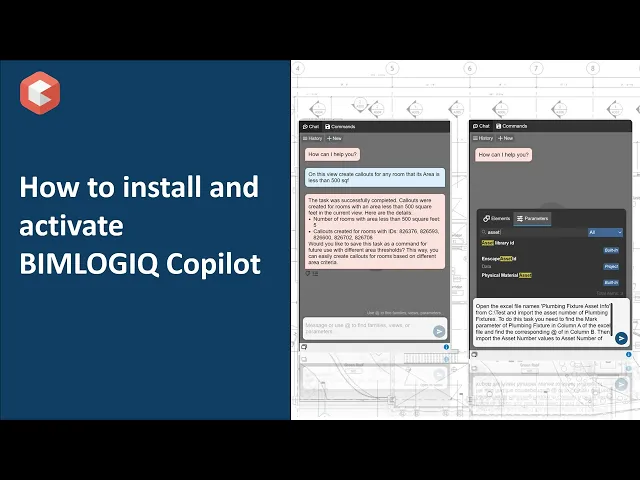

Steps to install and activate BIMLOGIQ Copilot
1. Download the BIMLOGIQ Copilot installation file from BIMLOGIQ Copilot Homepage.
2. Close Revit, then run the installer and follow the on-screen instructions to complete the installation process.
3. Open Revit. BIMLOGIQ Copilot will appear on the top ribbon.
4. Click on the "Account" button and log in using your credentials, or click "Sign Up" if you don’t have an account.
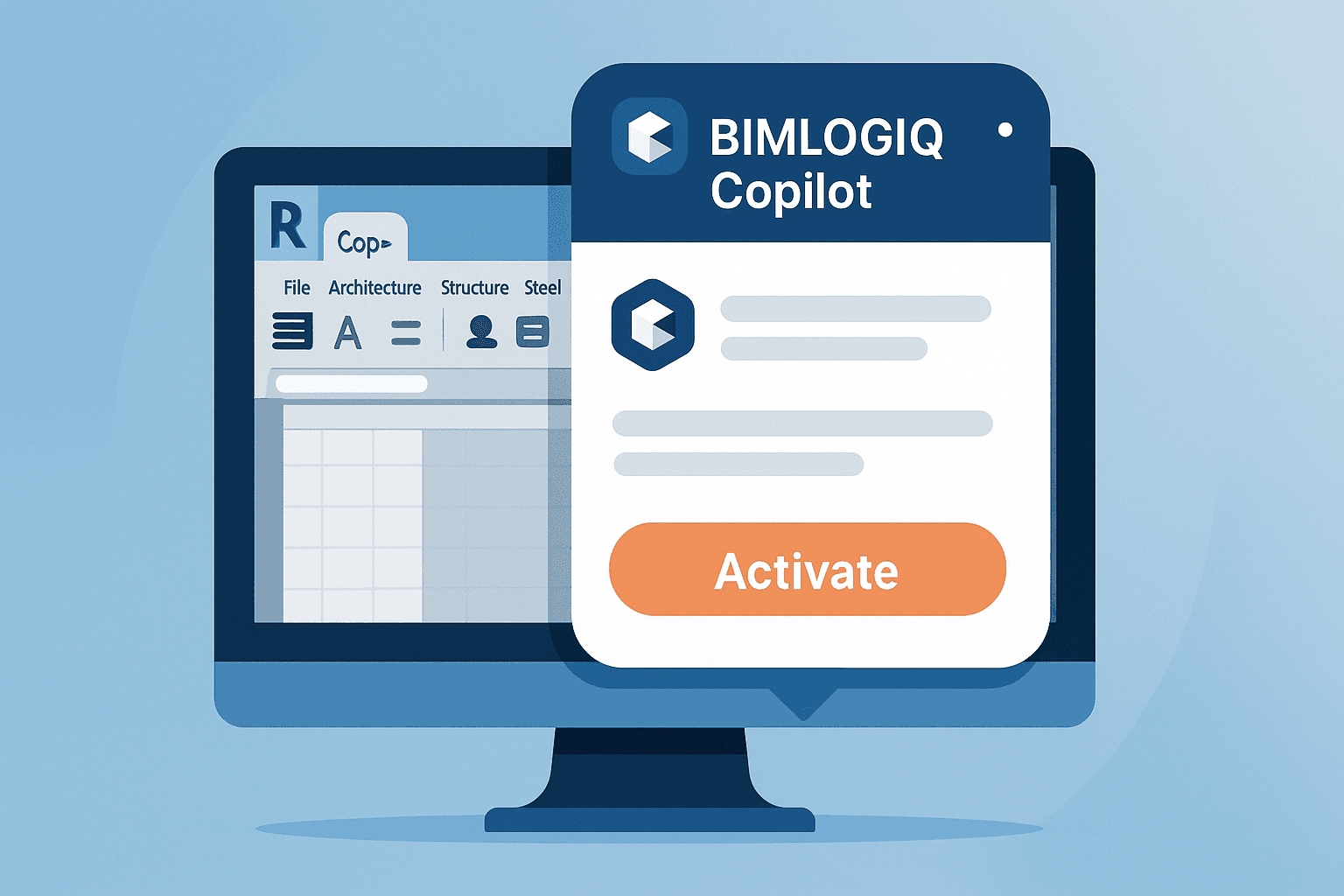
5. Click "Activate" at the bottom of the window to activate your Copilot.
6. Close the window and click on the "Copilot" button to open the Copilot.