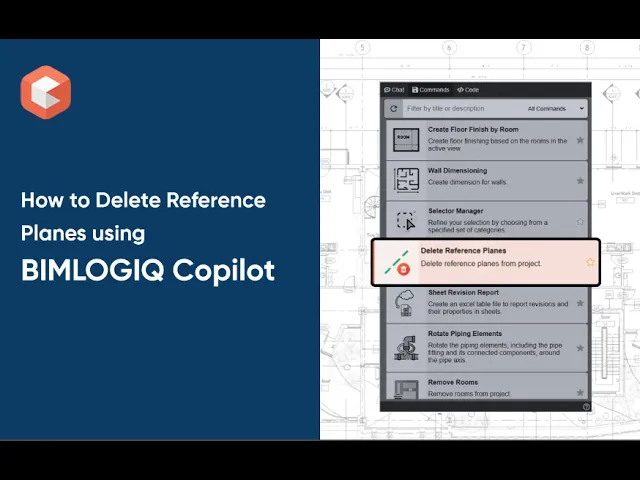

The Delete Reference Planes command in BIMLOGIQ Copilot helps Revit users maintain clean, efficient, and organized models by removing unnecessary reference planes. Whether clearing unnamed planes automatically or deleting specific ones manually, this Revit AI tool streamlines model management and reduces clutter.
Delete Unnamed RP
Remove all unnamed reference planes with a single click. This is especially useful for cleaning up guides left over from earlier design iterations or imported families.
Manual Selection
Manually select only the reference planes you want to delete. This ensures you can keep critical layout guides while removing redundant or incorrectly placed planes.
Use Cases
Import Management
Eliminate unnamed reference planes introduced when copying or importing elements from other projects or families.QA/QC Workflows
Remove redundant or misplaced reference planes flagged during quality control reviews to improve project accuracy.
With BIMLOGIQ Copilot, your Revit AI assistant, you can automatically clean up unused reference planes, simplify your model, and boost performance. Watch the video below to see how this feature improves Revit model management.