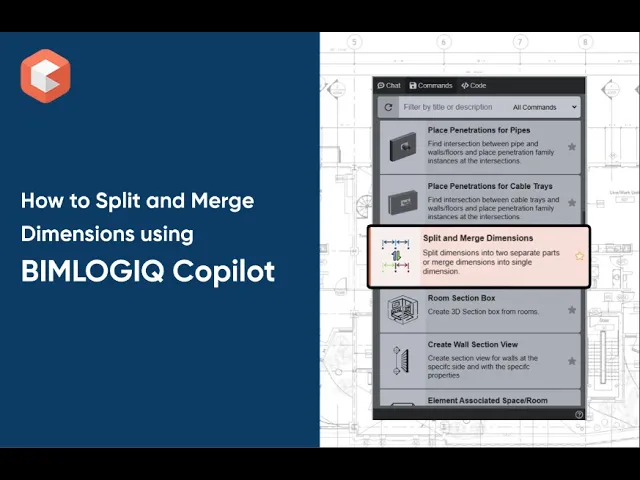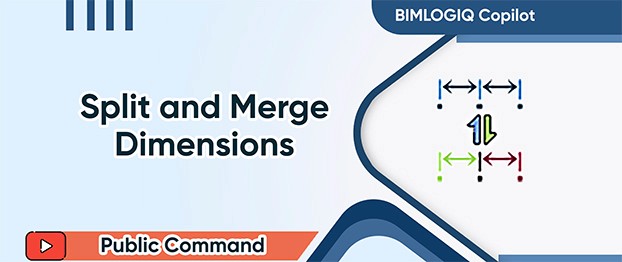

The Split and Merge Dimensions command in BIMLOGIQ Copilot allows Revit users to manage dimension lines more effectively. Whether you need to break a dimension into two parts or combine multiple dimensions into one, this Revit AI tool improves drawing clarity and supports professional documentation.
Action
Choose between two actions:
Merge Dimensions – Combine selected dimension lines into a single continuous dimension.
Split Dimensions – Divide a selected dimension line into two parts at a picked point.
Select Dimensions
Easily select one or multiple dimension elements to apply the chosen action.
Delete Splitting Reference
Enable this option to automatically remove the inner reference point when splitting a dimension, keeping drawings clean and focused.
Use Cases
Simplify and Clean Up Drawings
Merge close or redundant dimensions into a single line to reduce clutter and improve readability.Prepare Shop Drawings
Split long dimensions at key points to emphasize tolerances or make large measurements more manageable.Remove Unnecessary References
Delete unwanted reference points after splitting dimensions for a cleaner presentation.
With BIMLOGIQ Copilot, your Revit AI assistant, dimension management becomes faster, cleaner, and more accurate. Watch the video below to see how this feature enhances construction documentation.