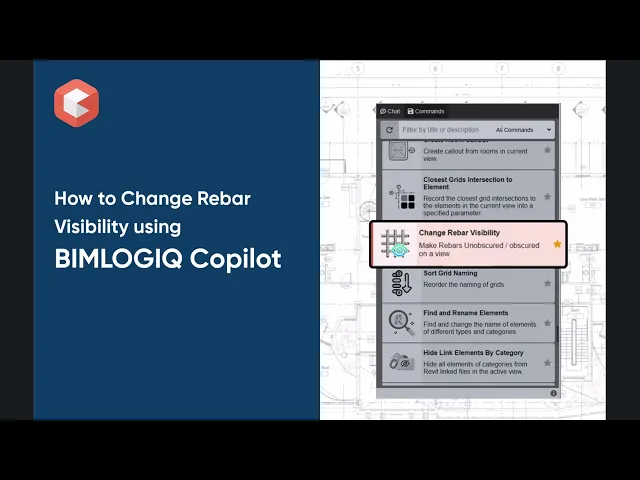

This command allows users to control the visibility of rebars in the active Revit view. It provides options to make rebars unobscured and display them as solid shapes or revert them to an obscured state. The command supports individual rebar selection, host-based selection, and bulk visibility changes across the entire view.
Select Rebars or Host Elements
Users can select rebar elements directly or choose host elements such as structural beams, columns, or walls. The command automatically detects and processes all rebars hosted within the selected elements.
Control Visibility: Unobscure or Obscure
Users can choose one of two visibility options:
Make Unobscured: Displays rebars as solid 3D shapes and removes visibility obstruction from host elements.
Make Obscured: Restores default visibility settings by hiding rebars behind their hosts.
Apply Changes to All Rebars in View
Users can apply the selected visibility setting to all rebar elements visible in the active view, removing the need for individual selection and enabling faster view preparation.