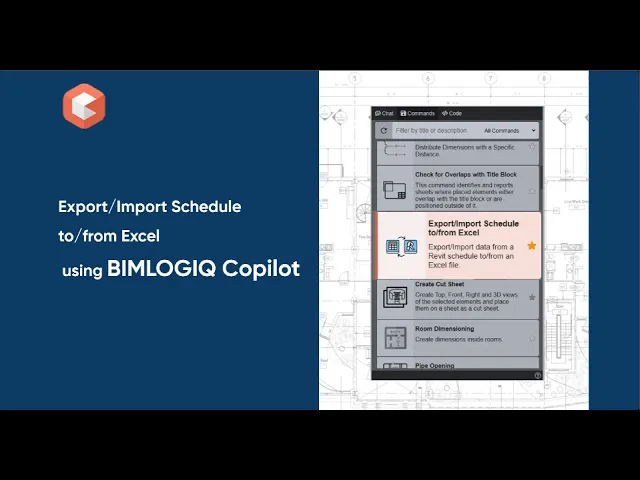

This Public Command enables users to efficiently export and import schedule data between Revit and Excel. It is designed to support data review, bulk editing, and synchronization of schedule information across platforms.
Three Export/Import Options
The command provides three distinct options for managing Revit schedules:
1. Export with Schedule Format
This option exports the selected Revit schedule to Excel while preserving the exact formatting seen inside Revit.
Note: Files exported with this option are for viewing or reporting only and cannot be imported back into Revit.
2. Export for Editing Data
This mode exports the schedule along with essential metadata—such as Element IDs—allowing users to safely modify the data in Excel. The exported file can then be re-imported into Revit to update the model based on the edited values.
Users should avoid modifying Element IDs or any grey-colored cells to ensure a successful import process.
3. Import from Excel
This option reads an edited Excel file and updates the corresponding Revit elements according to the modified values. It enables quick batch editing and ensures that schedule information stays consistent and up to date.
Streamlined Data Management
By using this Public Command, users can easily extract schedule data, edit it externally, and bring it back into Revit with full accuracy. It simplifies bulk data modifications, reduces manual entry, and helps maintain coordinated project information.