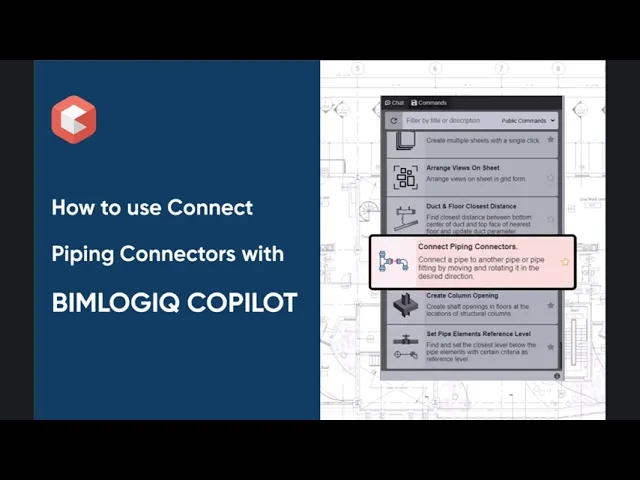

This command enables users to efficiently connect pipes or fittings in Revit by automatically moving and rotating elements to ensure accurate alignment. Whether adjusting a single fitting or shifting an entire connected system, it simplifies coordination in MEP designs and saves time during modeling.
Select Source Element
Users begin by selecting a pipe or pipe fitting that acts as the anchor point. This element becomes the reference for aligning the connecting component.
Move and Rotate Connected Element
After selecting a second element, the tool automatically adjusts its position and orientation to create a precise connection with the source. This eliminates the need for manual tweaks and ensures system continuity.
Move Connected Elements Option
An optional setting lets users move all elements connected to the selected fitting or pipe. This maintains system integrity and alignment, especially in complex piping layouts.