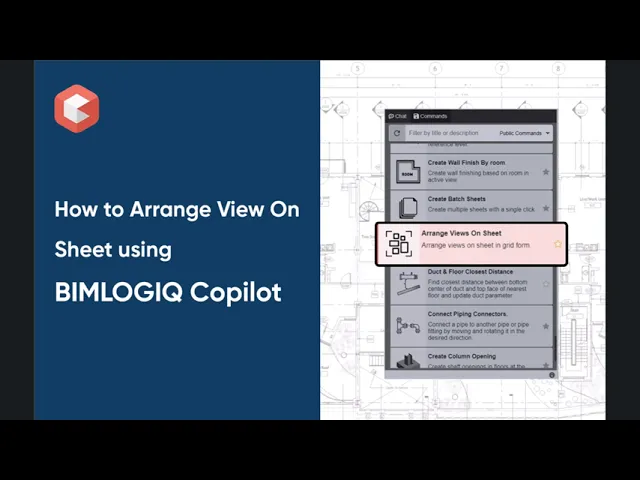

This command automates the arrangement of views on a Revit sheet, aligning them in a neat grid layout with customizable spacing and margins. Users can select views from the Project Browser or by keyword search and apply consistent, professional layouts that save time and enhance documentation clarity.
Select a Sheet for View Arrangement
Users can specify the target sheet where views should be arranged. This keeps the project organized and ensures all views are placed in the right context.
Add Views by Selecting from Project Browser
Views can be added directly from the Project Browser, enabling quick selection and placement during the documentation process.
Add Views by Search
Users can search for views using keywords, making it easier to locate and place relevant views onto the sheet, especially in projects with many views.
Customizable Spacing Between Views
The tool allows for precise control of the spacing between views in the layout grid, helping maintain consistent formatting and meeting presentation standards.
Adjustable Border Space Around Title Block
Users can set the margin between the arranged views and the title block. This ensures a clean boundary and professional visual balance on the sheet.