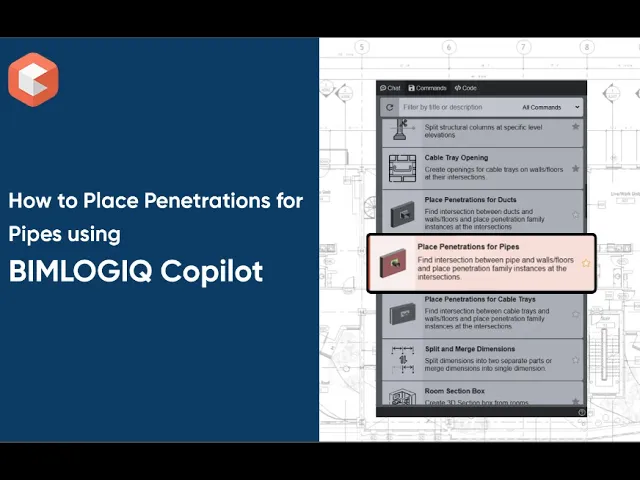

The Place Penetrations for Pipes command in BIMLOGIQ Copilot automates the insertion of penetration family instances where pipes intersect architectural elements such as walls and floors. By detecting intersections and dynamically sizing penetrations, this Revit AI tool eliminates repetitive manual work, reduces errors, and ensures consistent documentation across disciplines.
Select Pipes
Manually choose the pipes in your model that require penetrations. This ensures only relevant systems are included.
Include Pipes from Linked Models
Process pipes from linked MEP or coordination models to improve cross-discipline workflows with architectural or structural teams.
Select Target Elements
Choose walls, floors, or both as the host elements where penetrations will be placed. The tool works with both host and linked models.
Choose the Penetration Family Type
Select the family type that will be placed for penetrations. Custom penetration families can be used to meet office standards and detailing requirements.
Set Penetration Direction
Define the orientation of the penetration relative to the intersecting element for proper 3D alignment.
Select Penetration Shape
Choose circular or rectangular penetrations. The command adapts parameters based on the chosen shape.
Define Parameter Names
Map the parameters used in your penetration families—such as Width, Height, Diameter, and Thickness—so the command can size penetrations dynamically based on pipe dimensions.
Define Gap Size
Add a gap value around the pipe to account for construction tolerances and facilitate on-site installation.
Merge Penetrations
Combine multiple nearby penetrations into a single larger instance to simplify detailing and avoid clustered openings.
Set Merge Tolerance
Specify the distance threshold for merging penetrations (e.g., 100 mm) to control how close penetrations must be to combine.
Use Cases
Site Preparation with Accurate Openings
Pre-cut accurate wall and floor openings before construction begins. This minimizes last-minute drilling and avoids coordination errors between MEP and architectural teams.Seamless MEP–Architecture Model Integration
When working with linked models, automatically place standardized penetration families where pipes intersect host elements. This improves clash detection and ensures compliance with project standards.
With BIMLOGIQ Copilot, your Revit AI assistant, pipe penetration placement is automated, precise, and fully integrated into your BIM workflows. Watch the video below to see how this feature transforms coordination between disciplines.