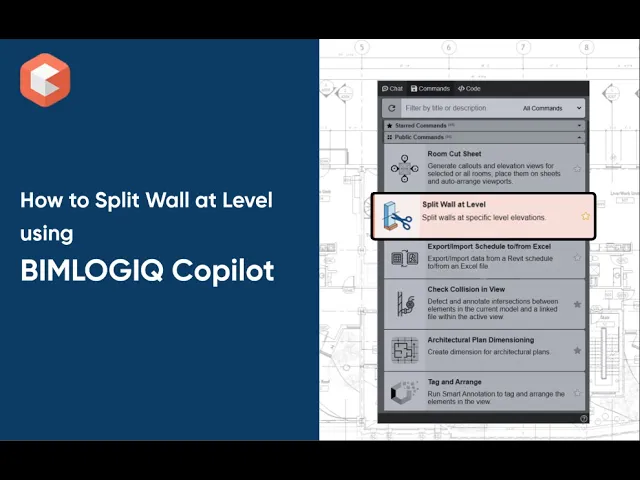

The Split Wall at Level command in BIMLOGIQ Copilot enables Revit users to divide walls at specific level elevations. With flexible options for selecting levels and applying vertical offsets, this Revit AI tool improves model organization, enhances clarity, and supports documentation workflows—especially in multi-story projects and prefabricated design.
Wall Selection
Select one or multiple walls directly in the active view to define the elements that will be split.
Level Selection
Choose one or more levels to determine where walls will be divided. Each selected level creates a split at its elevation.
Offset
Enter a numeric offset to shift the split point above or below the exact level elevation. This option is useful when coordinating with slab thicknesses or structural requirements.
Use Cases
Prefabrication Planning
Split tall walls at floor levels to align with prefabrication and transportation constraints.Improving Model Clarity
Break continuous wall elements at story levels to improve drawing readability, enable accurate takeoffs, and simplify level-based documentation.
With BIMLOGIQ Copilot, your Revit AI assistant, splitting walls becomes faster, more precise, and better aligned with project requirements. Watch the video below to see how this feature streamlines wall management in Revit.