
What we're learning
about AI in Revit.
Deep dives, product updates and real-project use cases — how teams are using BIMLOGIQ Copilot, Smart Annotation and the rest of our toolkit.
See it in Revit — no download required.

Everything we've published.
What BIMLOGIQ Copilot Can Do: Key Examples and Practical Use Cases
Explore how BIMLOGIQ Copilot translates natural language prompts into powerful Revit actions, automating documentation, data management, MEP coordination, modeling and more.
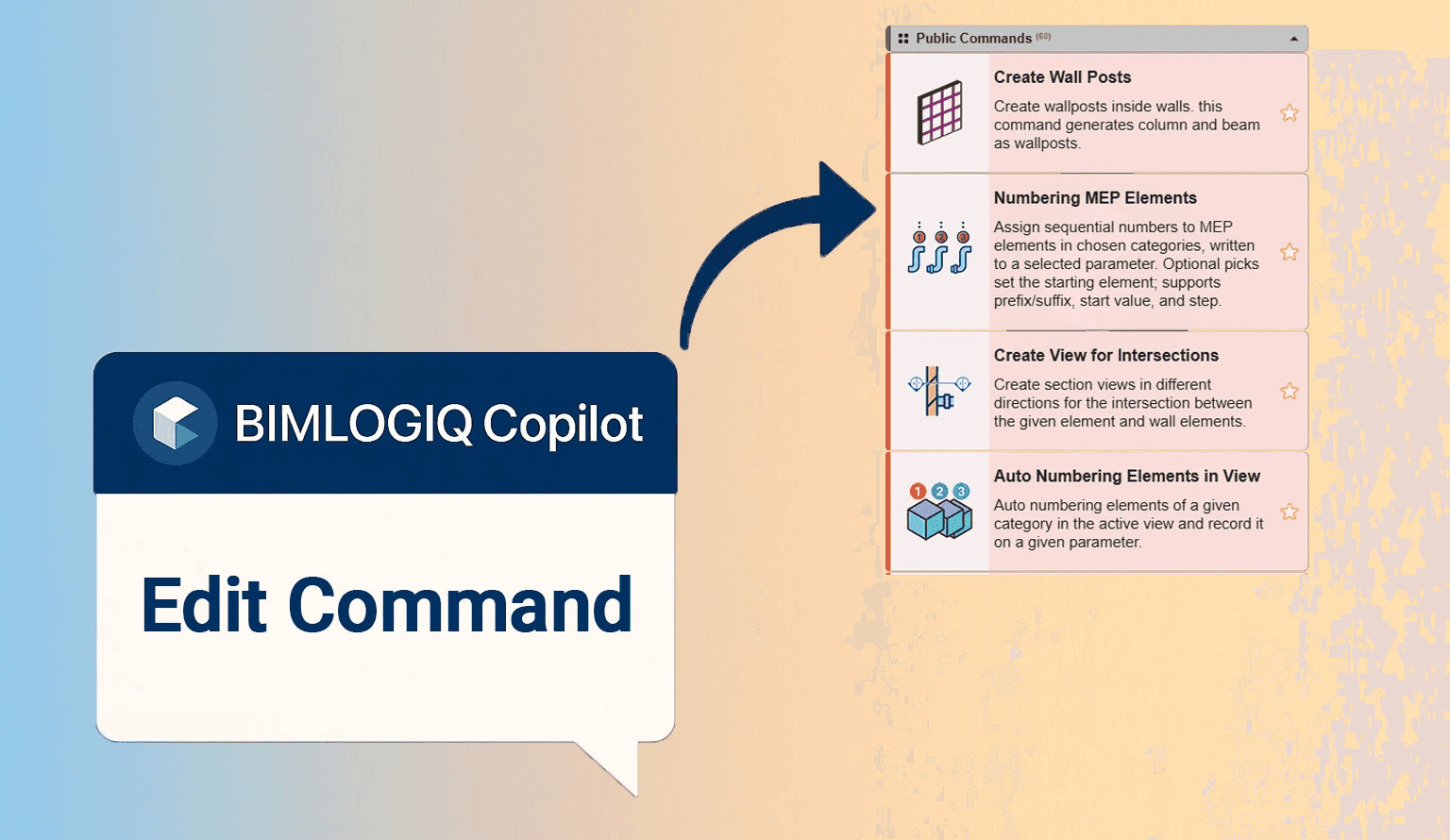
Mastering Command Customization in BIMLOGIQ Copilot
Learn how BIMLOGIQ Copilot lets you save, edit, and share Revit automation commands, turning one-time prompts into reusable, customizable tools for your workflow.
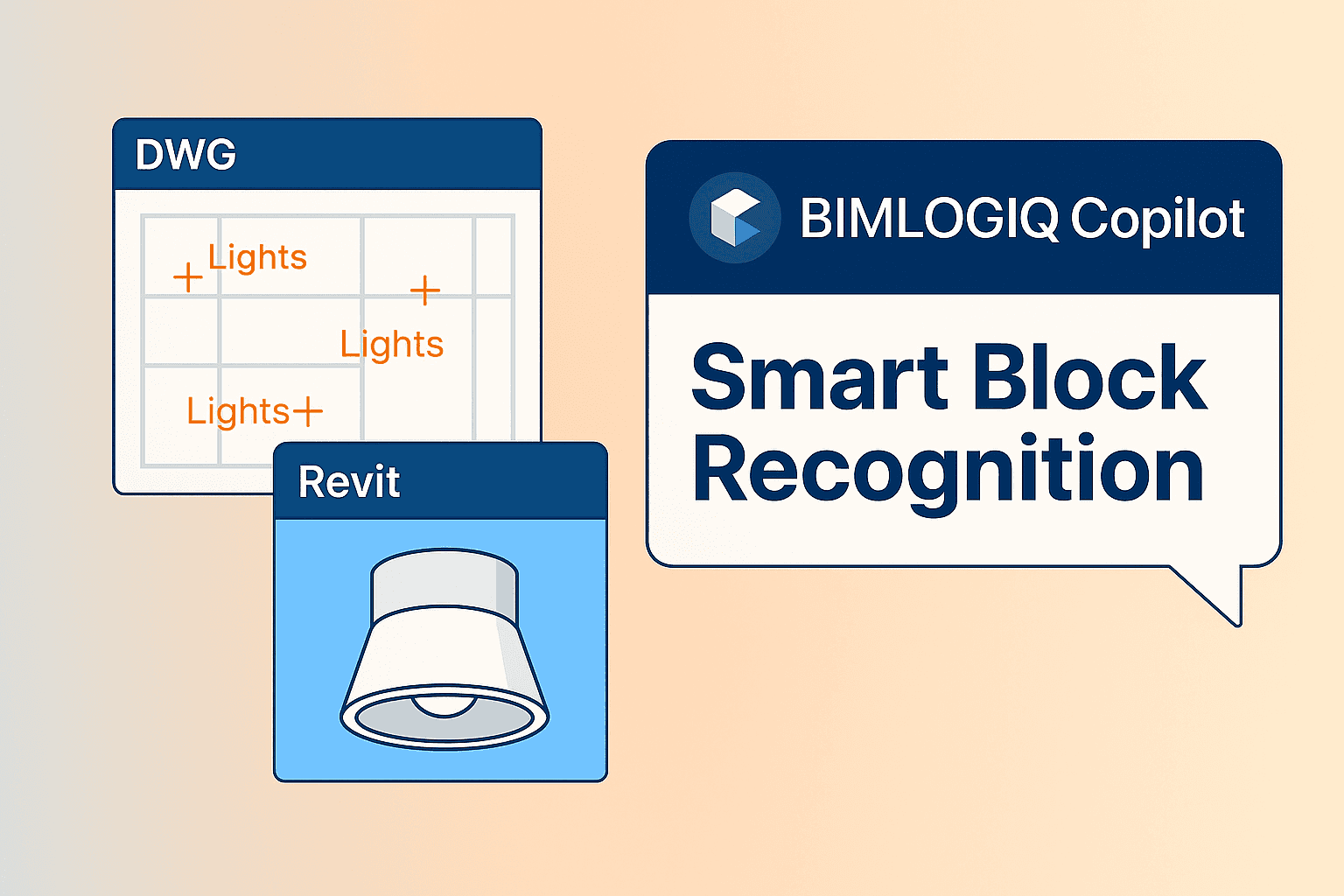
Automate Family Placement from CAD Blocks in Revit
Use BIMLOGIQ Copilot to detect blocks inside a linked CAD file and automatically place the matching Revit families with the right level and offset.
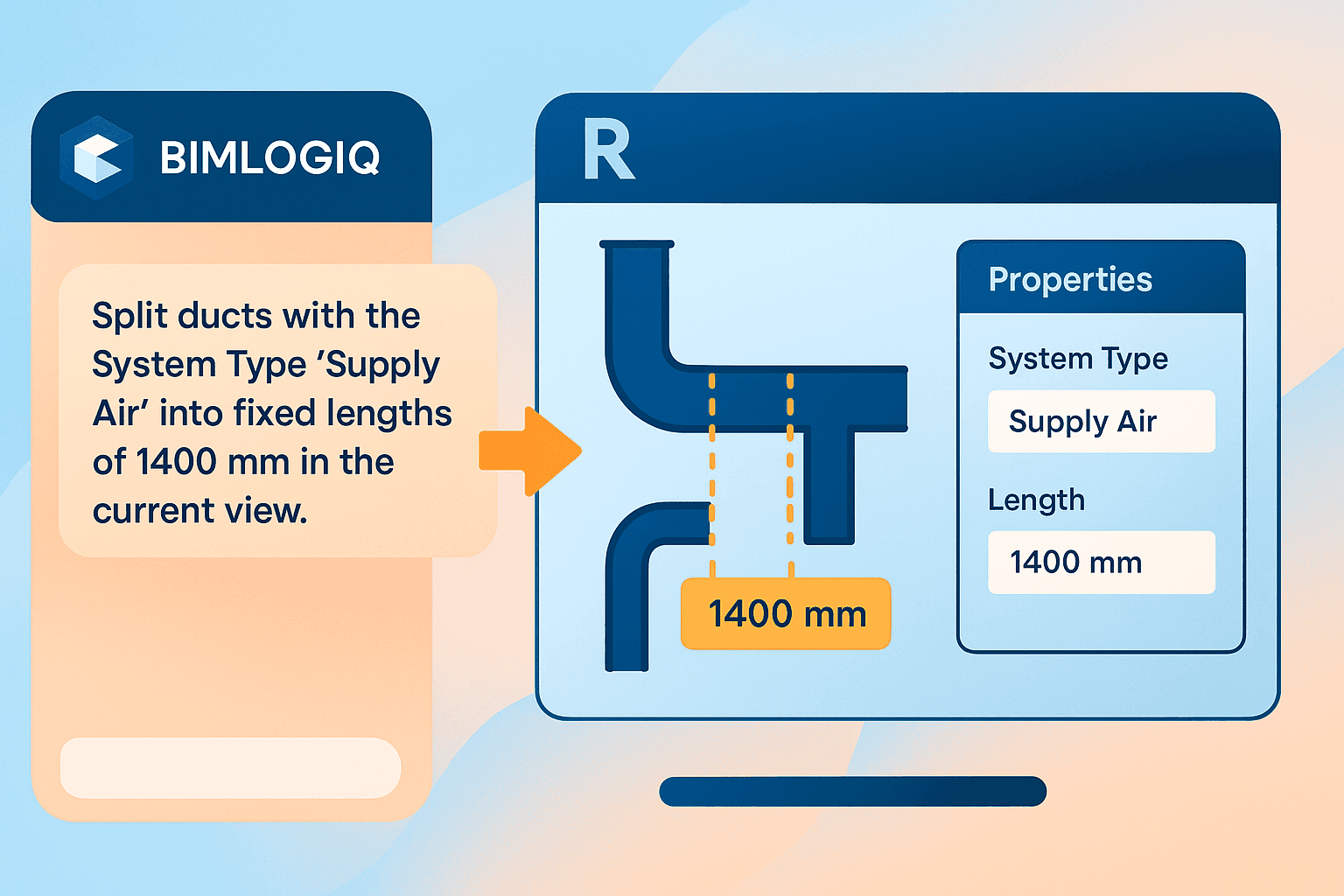
Duct Split in Revit Using AI with BIMLOGIQ Copilot
Automate splitting HVAC ducts into fixed lengths by system type using BIMLOGIQ Copilot, and save the workflow as a reusable command with configurable variables.

A Practical Comparison Between Dynamo and AI Tools in Revit
A practical head-to-head comparison of Dynamo and modern AI tools like BIMLOGIQ Copilot for Revit automation, covering strengths, limitations, and real workflow scenarios.
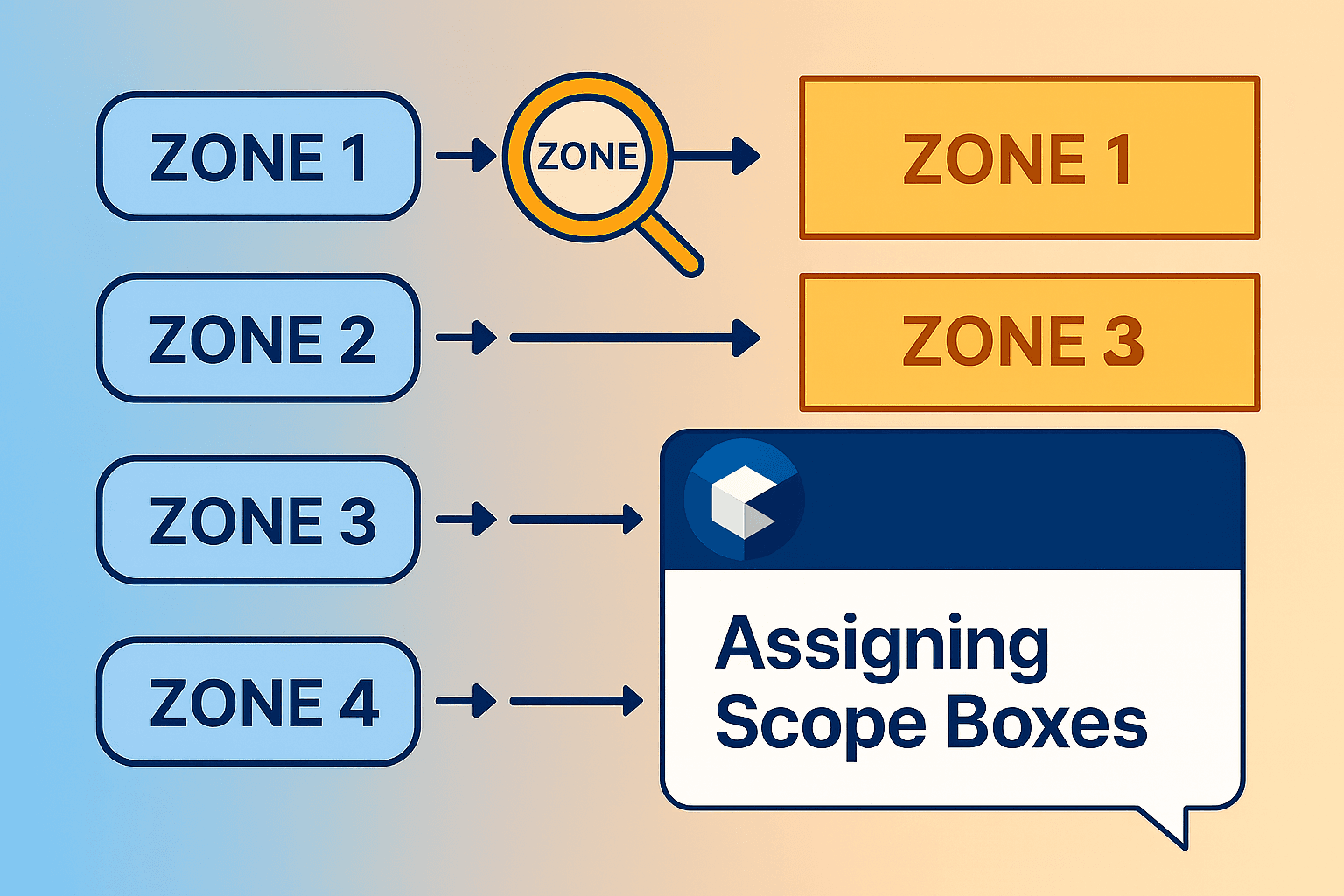
Automatically Assign Scope Boxes to Views Using Name Matching
Have BIMLOGIQ Copilot scan dependent views and Scope Box names for a shared keyword, then assign each view to the matching Scope Box automatically.

MCP Tools and BIMLOGIQ Copilot in Revit
Compare MCP (Model Context Protocol) tools and BIMLOGIQ Copilot in Revit — two different approaches to integrating LLMs with BIM, their strengths, limitations, and best use cases.
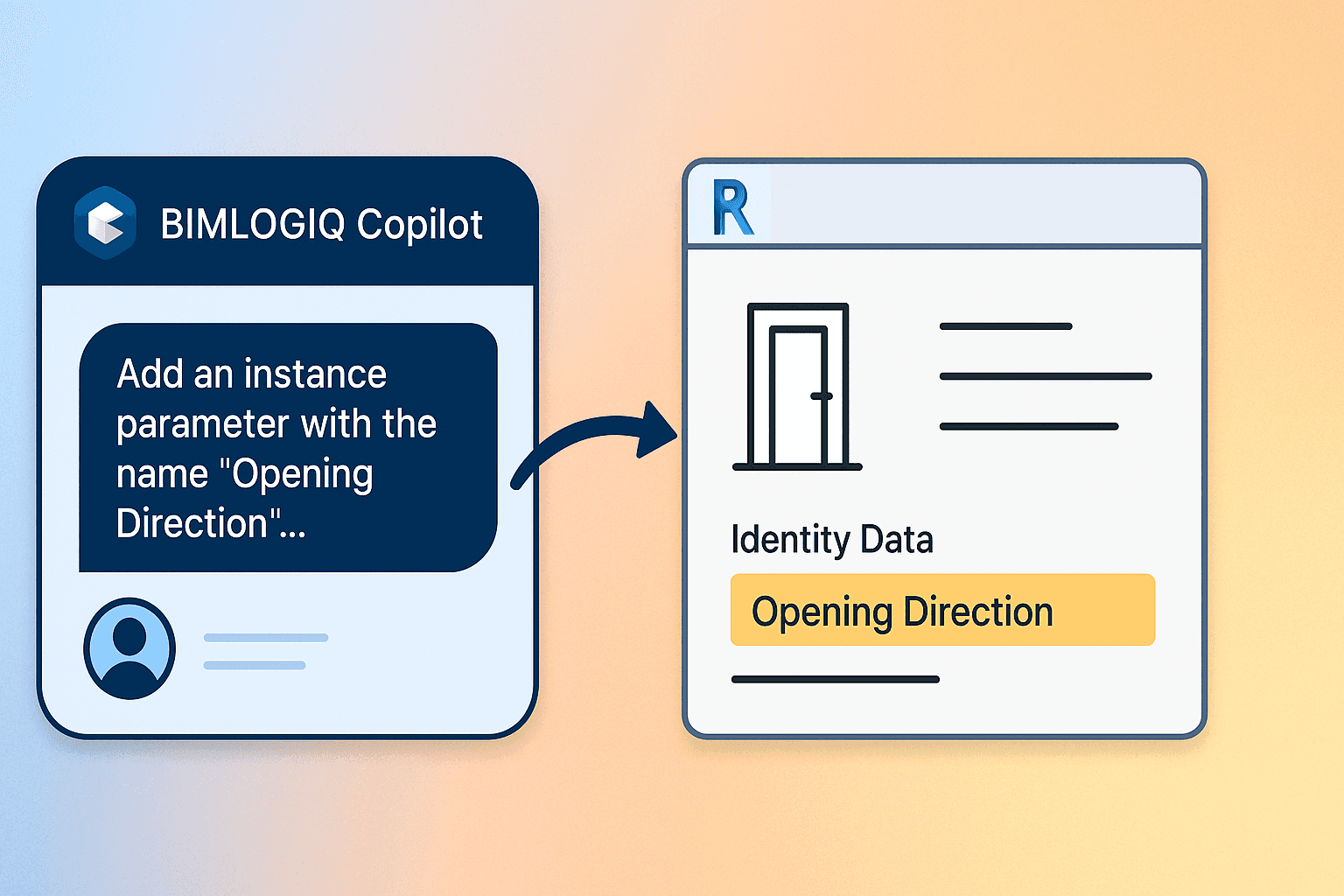
Add Instance Parameters to Multiple Families in Revit Using AI with BIMLOGIQ Copilot
BIMLOGIQ Copilot adds instance parameters across every family matching a naming pattern, reloads them into the project, and can save the workflow as a reusable command.
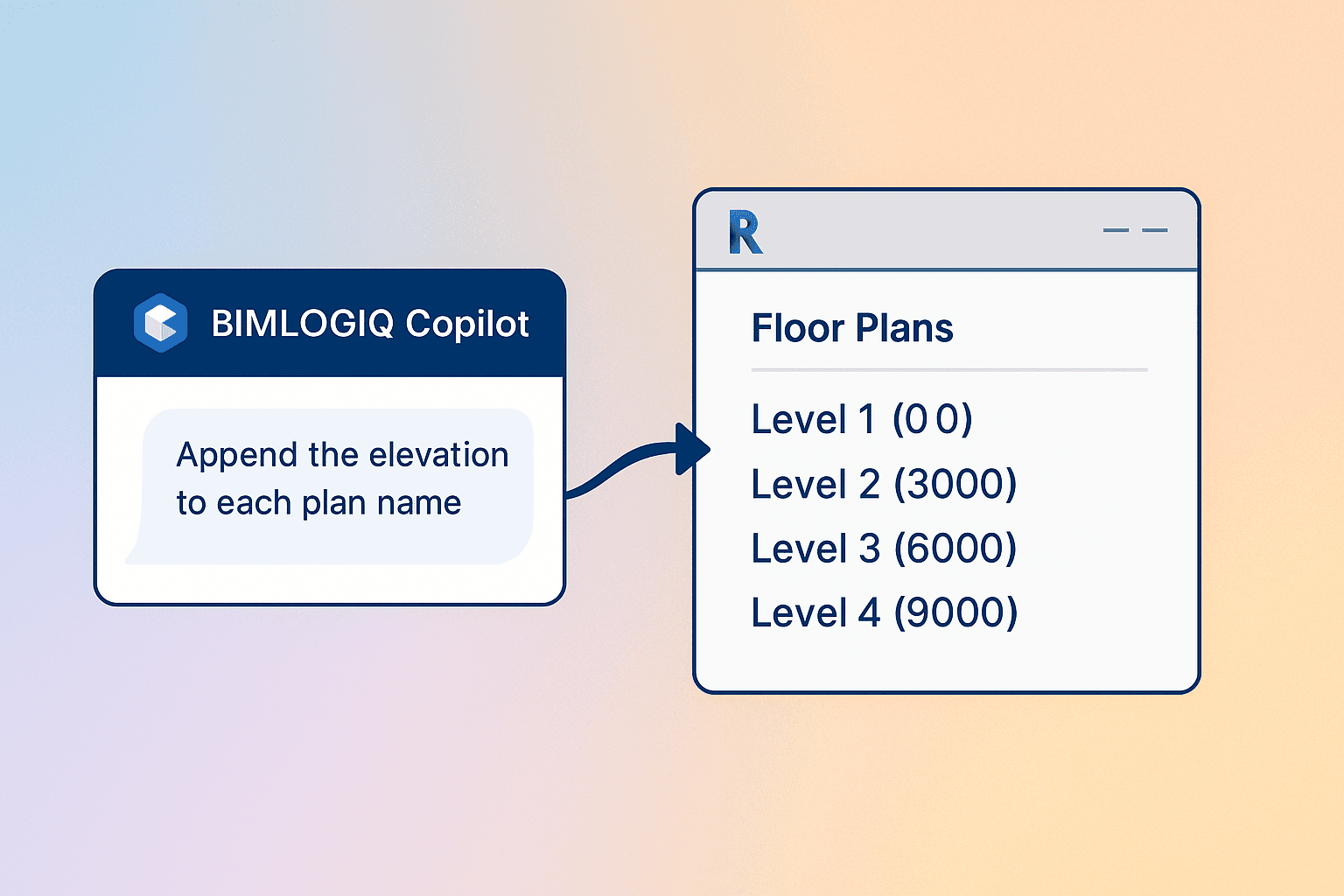
Append Elevation to Plan Names in Revit Using AI with BIMLOGIQ Copilot
Automatically append level elevations to plan view names in Revit with BIMLOGIQ Copilot — improve organization and readability across multi-level projects.
Find Shortest Path of MEP Elements in Revit Using AI with BIMLOGIQ Copilot
See how BIMLOGIQ Copilot traces the shortest connection between selected MEP elements and hides all unrelated elements to give you a focused, coordination-ready view.
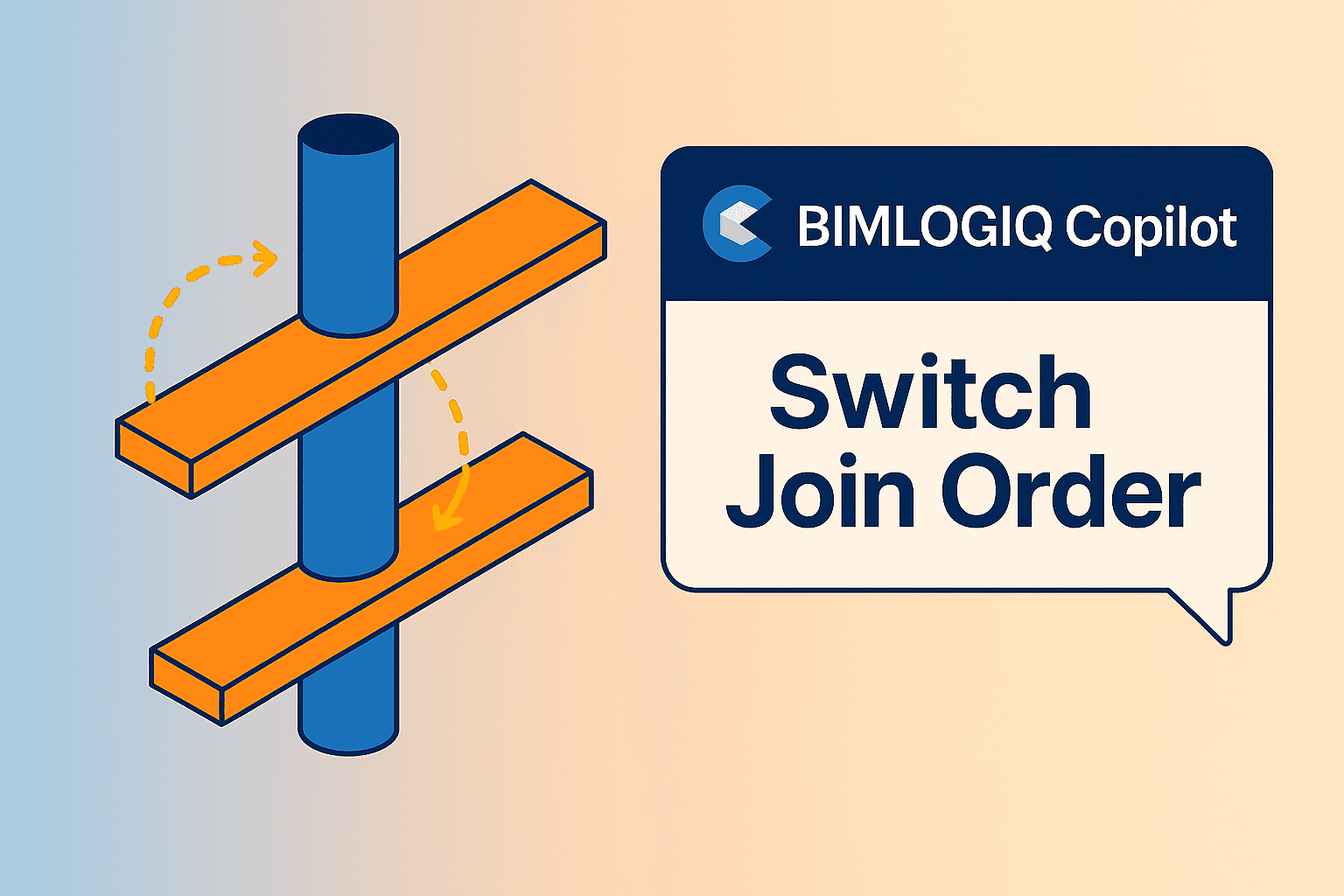
Saving and Editing Commands in Revit Using AI with BIMLOGIQ Copilot for Join Order Adjustments
Learn how BIMLOGIQ Copilot reverses join order between columns and floors in Revit, then extends the command with selection and type filters to make it reusable across projects.
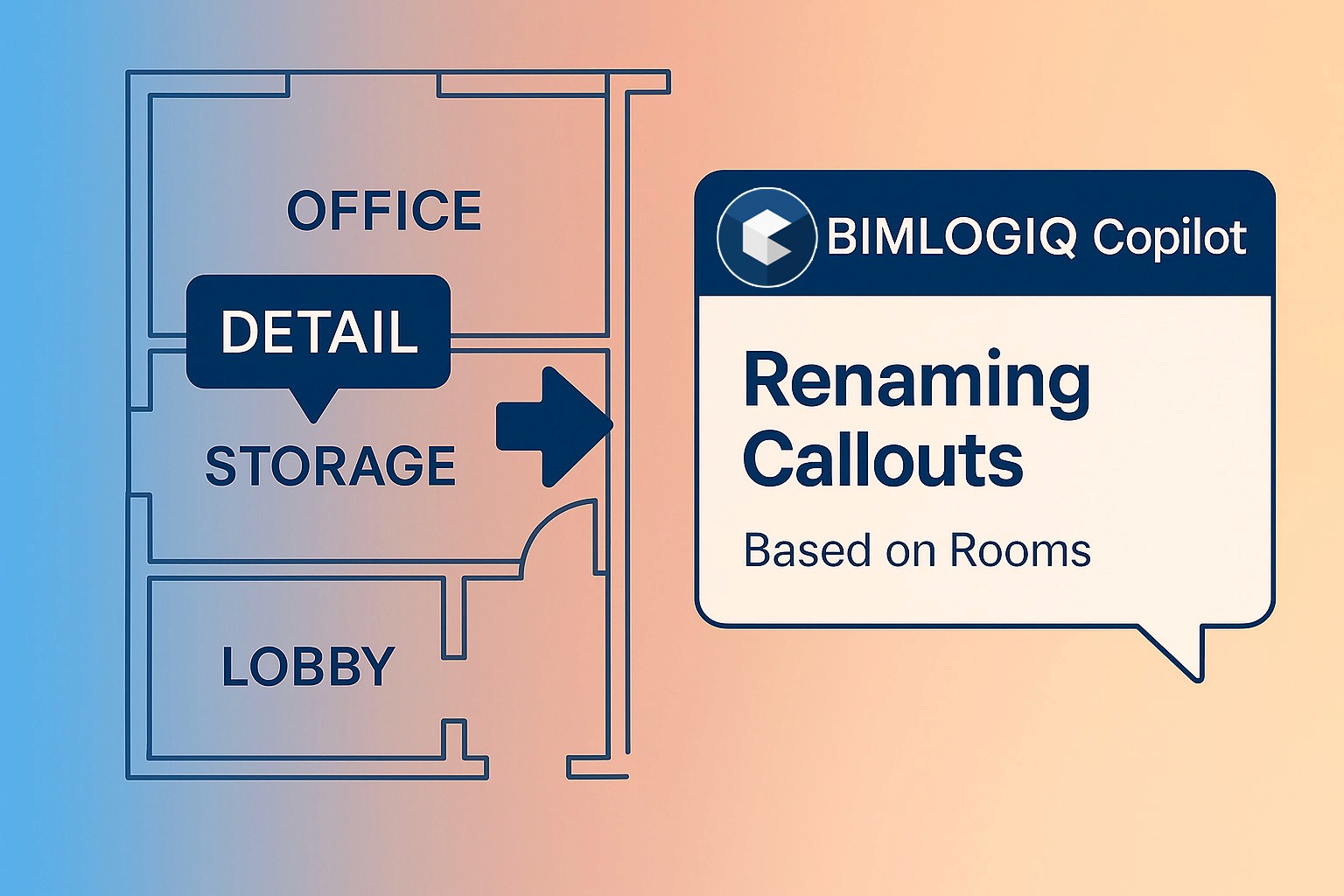
Managing Callout Names in Revit Using AI with BIMLOGIQ Copilot
Automatically rename callouts in Revit based on the room they're placed in — BIMLOGIQ Copilot keeps documentation consistent across large-scale projects.
Color-Coding Revit Walls by Fire Rating Using AI with BIMLOGIQ Copilot
Use BIMLOGIQ Copilot to automatically apply solid-fill color overrides to walls based on their Fire Rating parameter — no filters or view templates required.
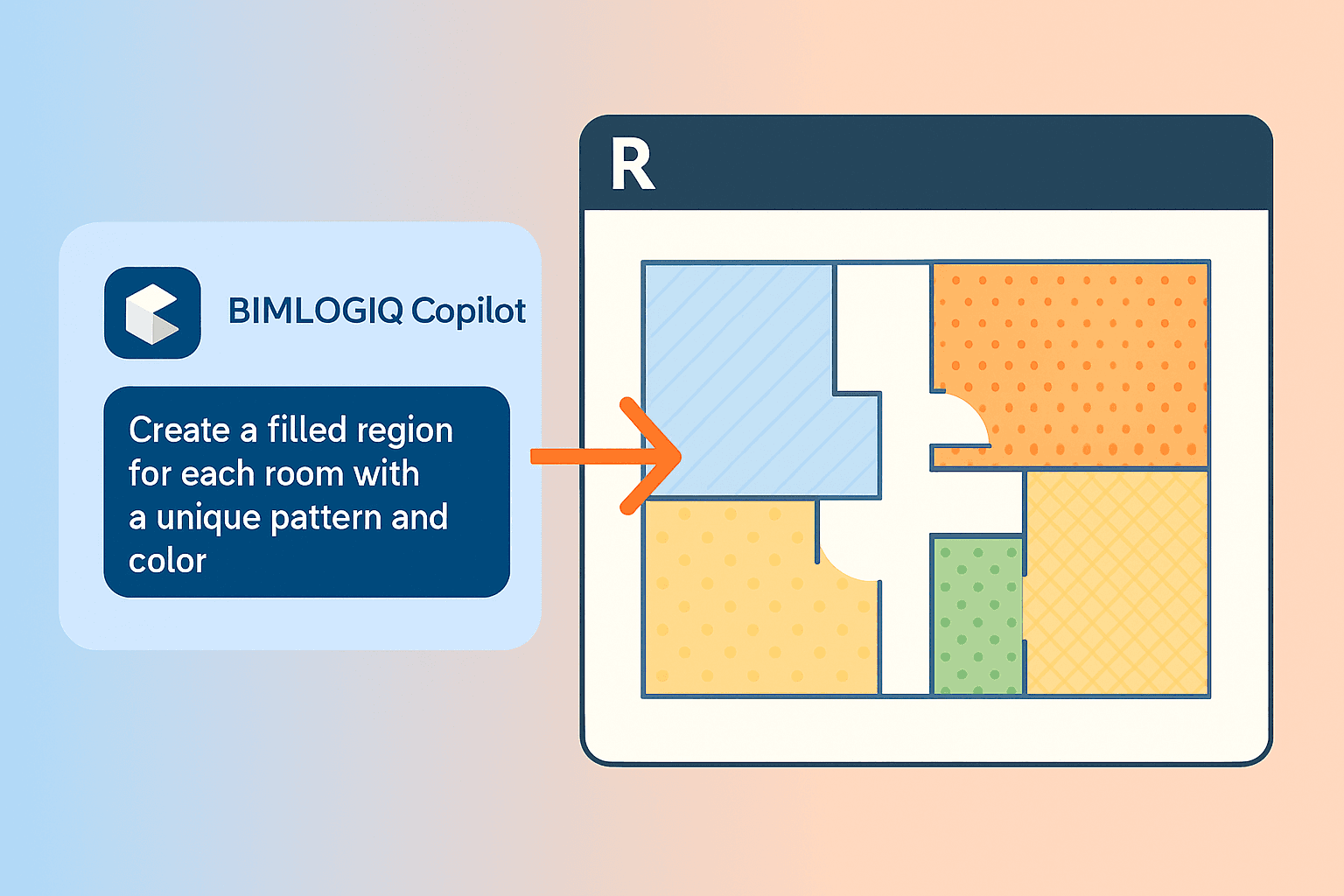
Creating Separate Filled Regions for Each Room with Unique Fill Patterns and Colors in Revit Using AI with BIMLOGIQ Copilot
BIMLOGIQ Copilot creates individual filled regions for every room in a Revit view, each with a distinct pattern and color — perfect for space planning and presentations.
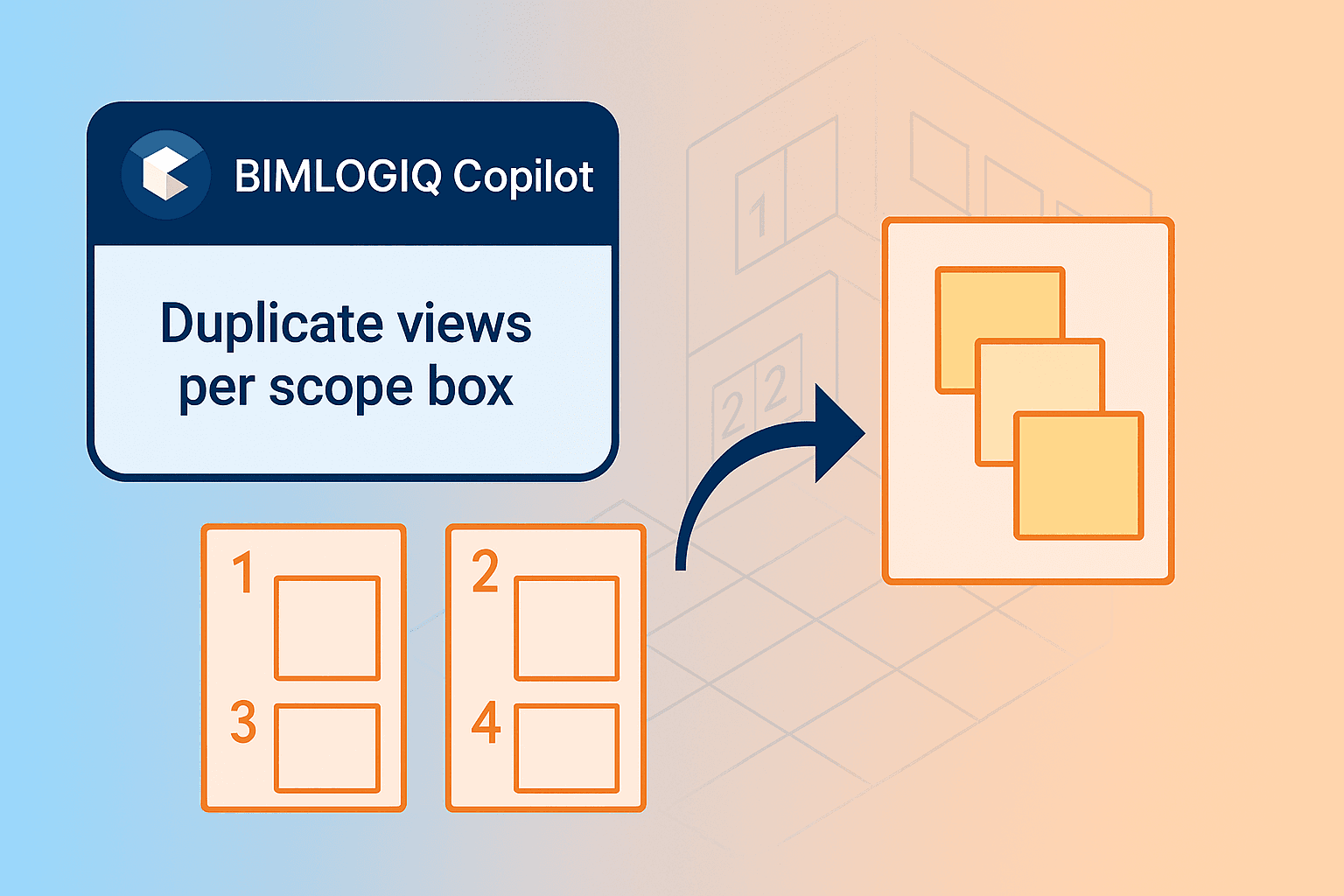
Duplicate Views Based on Scope Boxes in Revit Using AI with BIMLOGIQ Copilot
Automate the creation of dependent views for every scope box in Revit — BIMLOGIQ Copilot duplicates the view, sets the crop region, and applies your view template automatically.
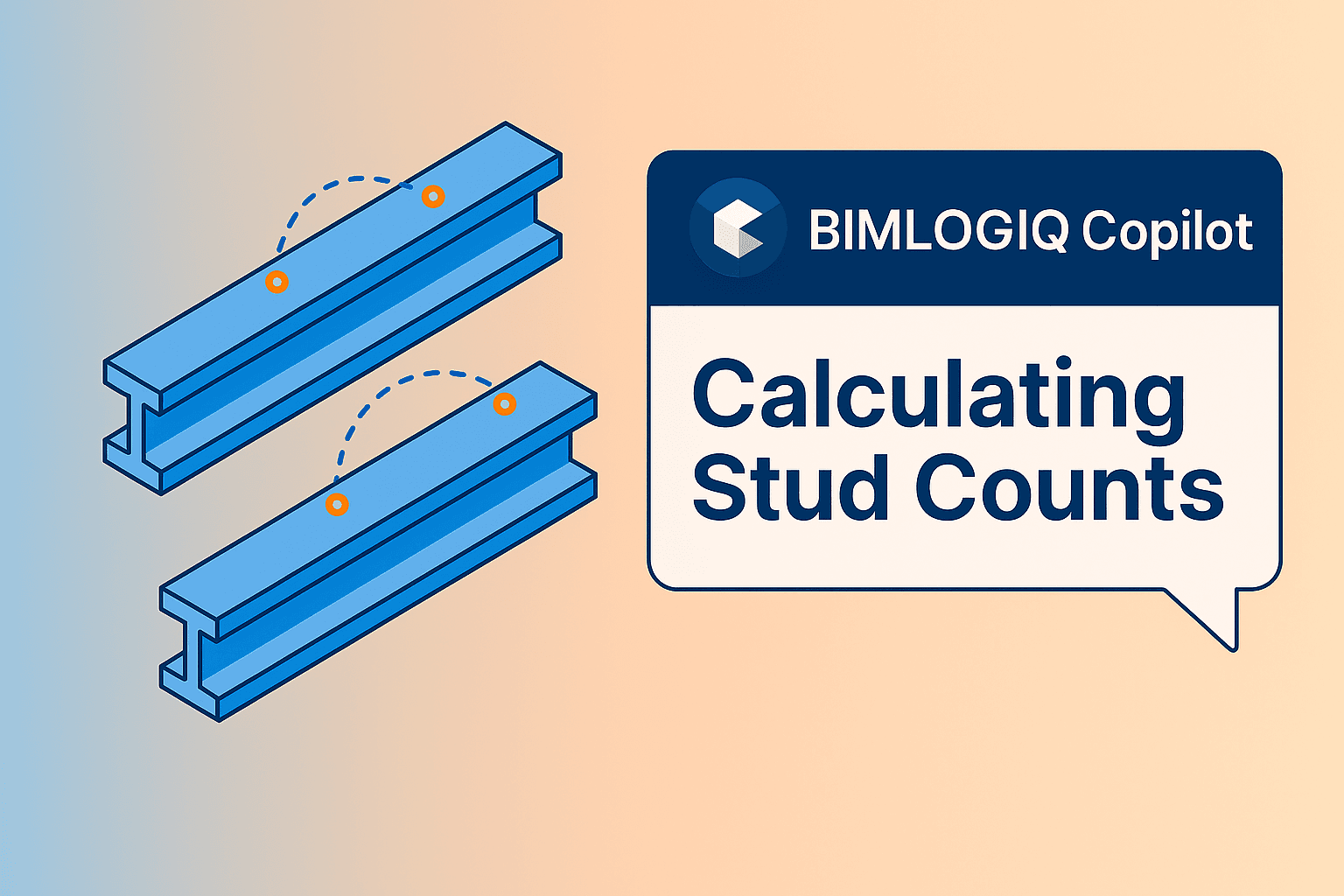
Automating Stud Count and Editing Commands in Revit Using AI with BIMLOGIQ Copilot
See how BIMLOGIQ Copilot automates stud count calculations across structural beams in Revit, and how the command can be edited into a flexible, reusable workflow.
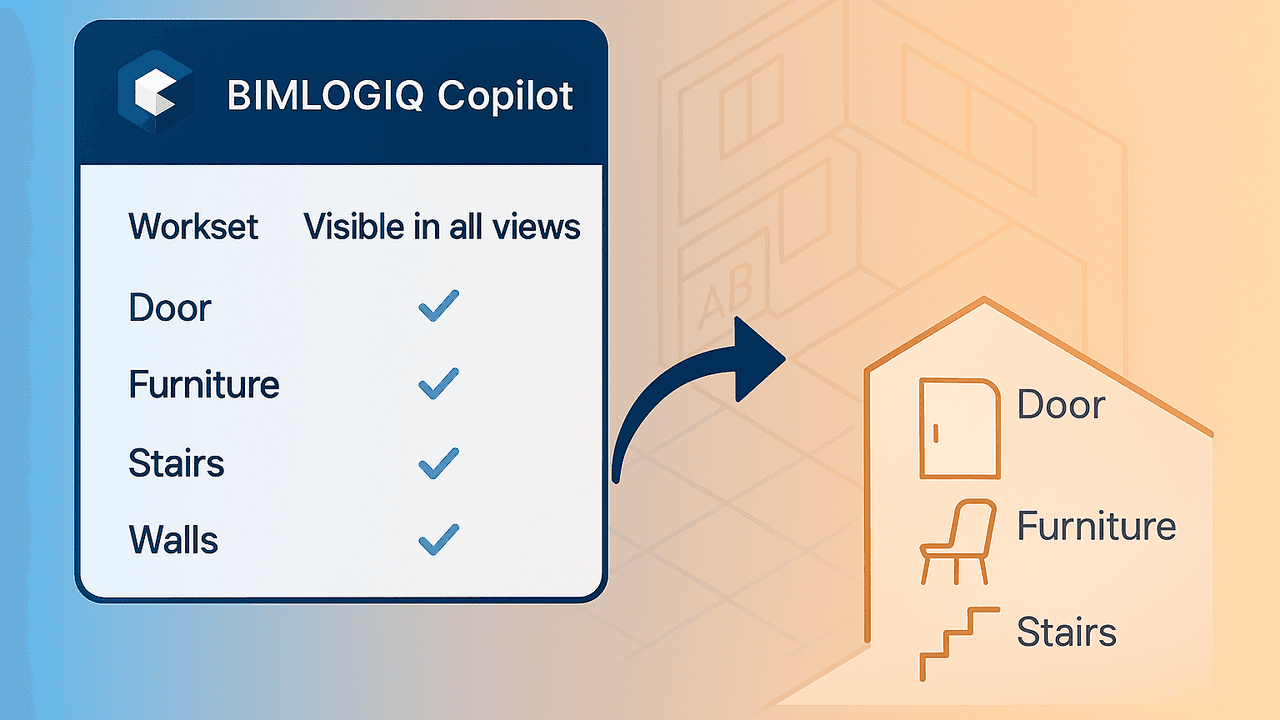
Workset Management in Revit Using AI with BIMLOGIQ Copilot
Automate workset renaming, visibility, and category-based assignment in Revit with BIMLOGIQ Copilot — enforce naming standards and eliminate manual sorting.
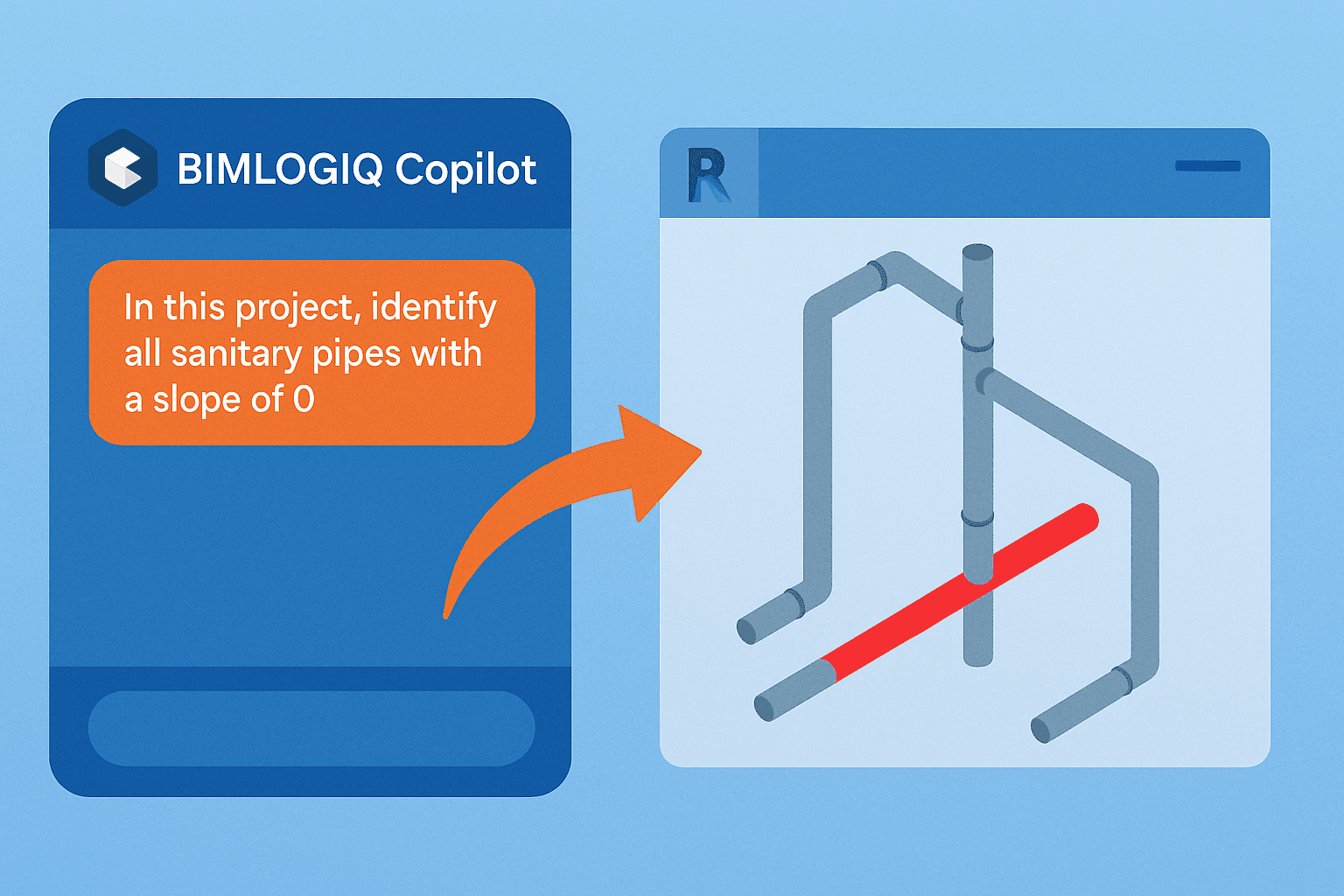
Identify and Highlight Sanitary Pipes with 0 Slope in Revit Using AI with BIMLOGIQ Copilot
BIMLOGIQ Copilot scans your Revit model, isolates zero-slope sanitary pipes, and highlights them in red — a fast way to catch drainage design issues before they hit site.
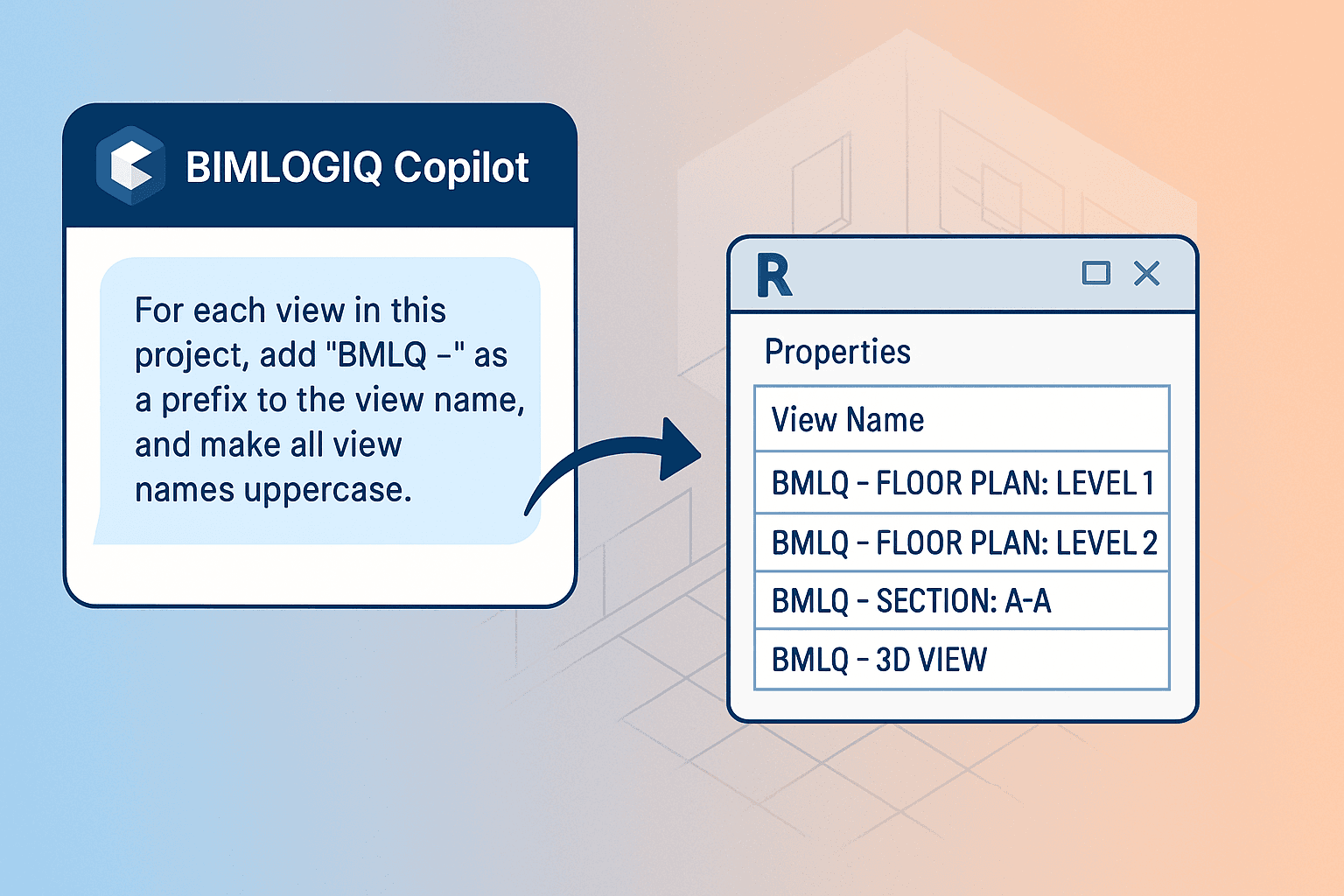
Managing View Names in Revit Using AI with BIMLOGIQ Copilot
Enforce naming standards across every Revit view in a project — BIMLOGIQ Copilot applies prefixes, formatting, and case rules in a single natural-language prompt.
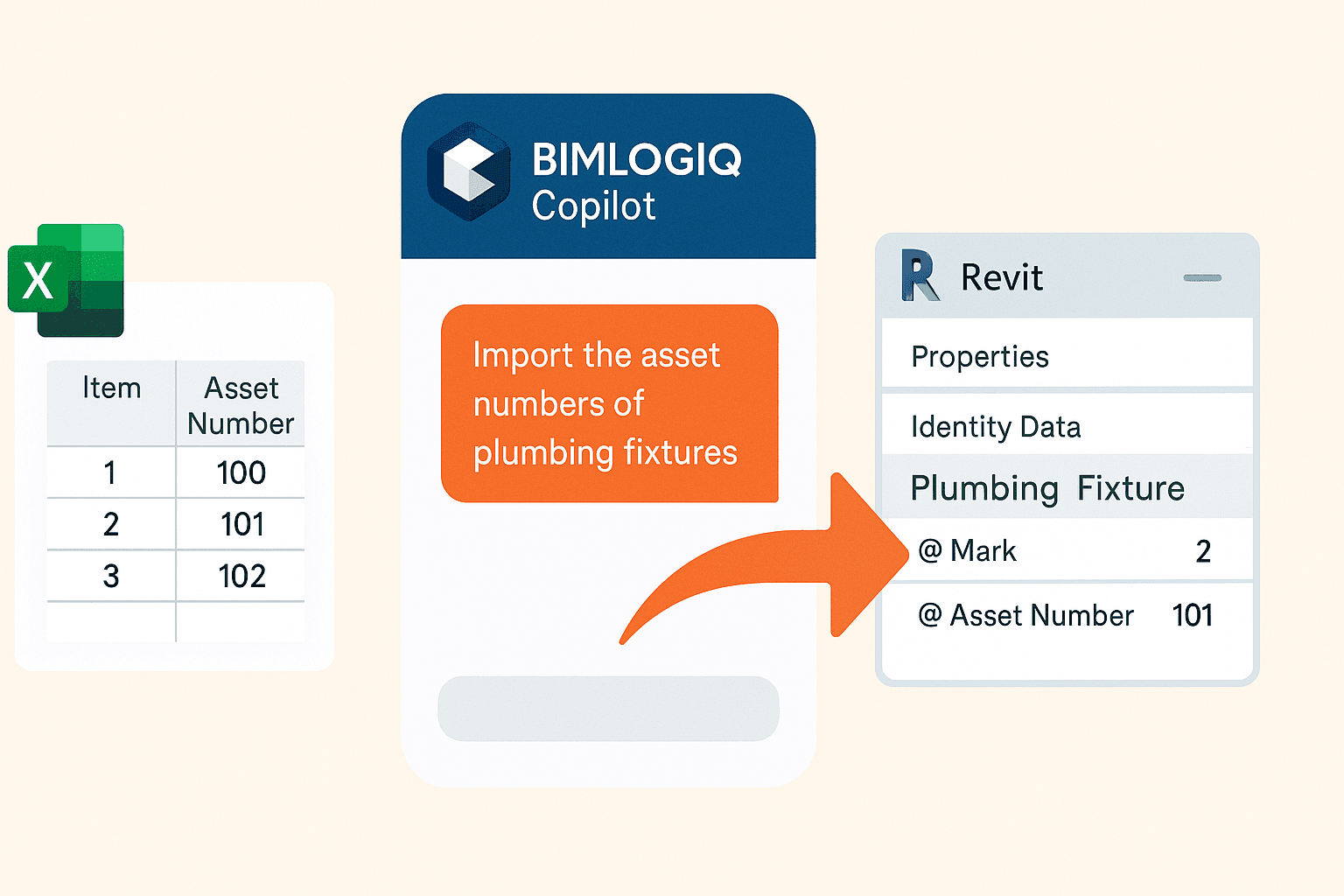
Working with Excel in Revit Using AI with BIMLOGIQ Copilot
BIMLOGIQ Copilot reads unstructured Excel files, matches values to Revit parameters, and imports data directly into the model — no schedule alignment needed.
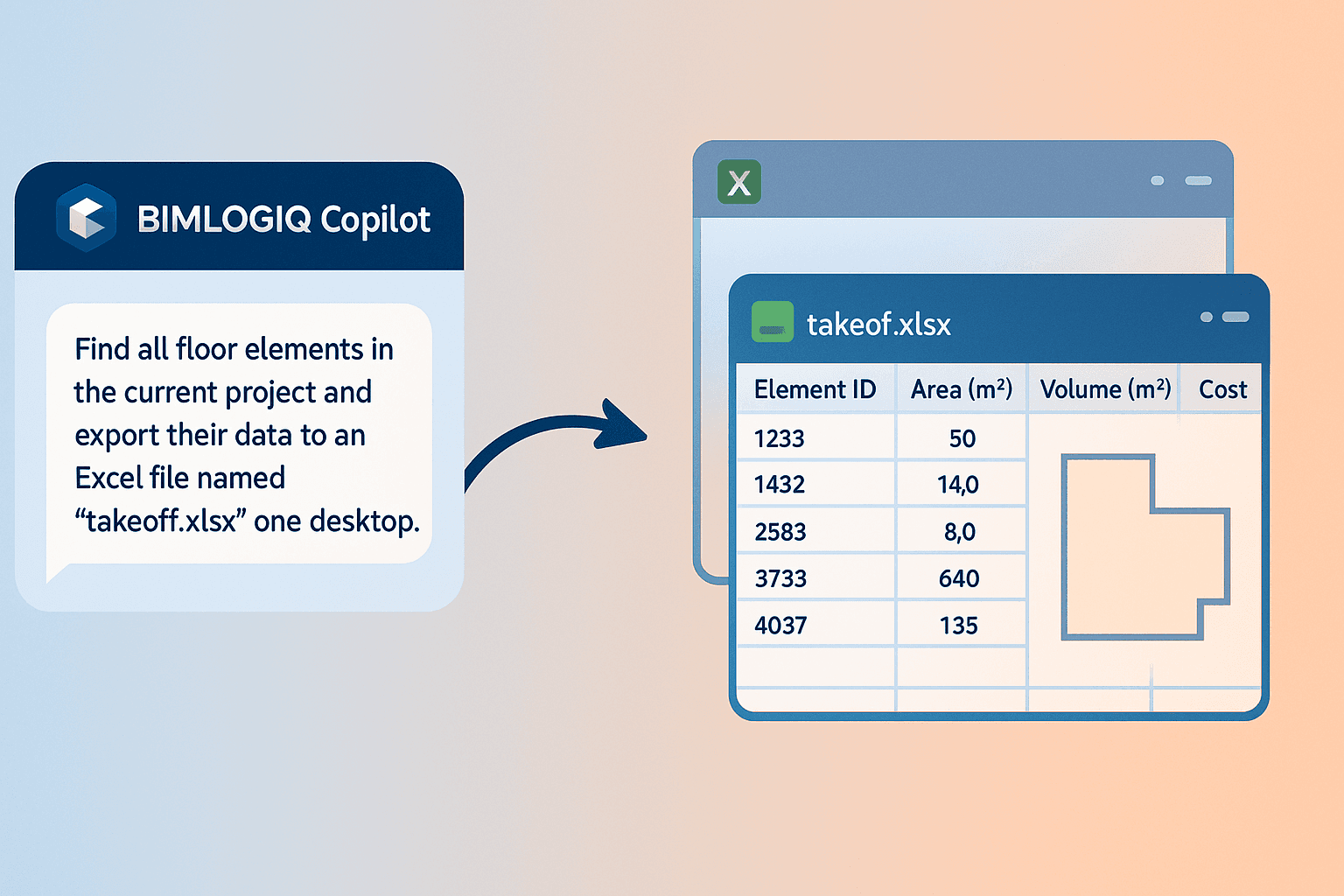
Automating Data Export to Excel, Updating, and Importing Back into Revit Using AI with BIMLOGIQ Copilot
Use BIMLOGIQ Copilot to export floor data to Excel, update cost values externally, and import the changes back into Revit — a full round-trip takeoff workflow, automated.
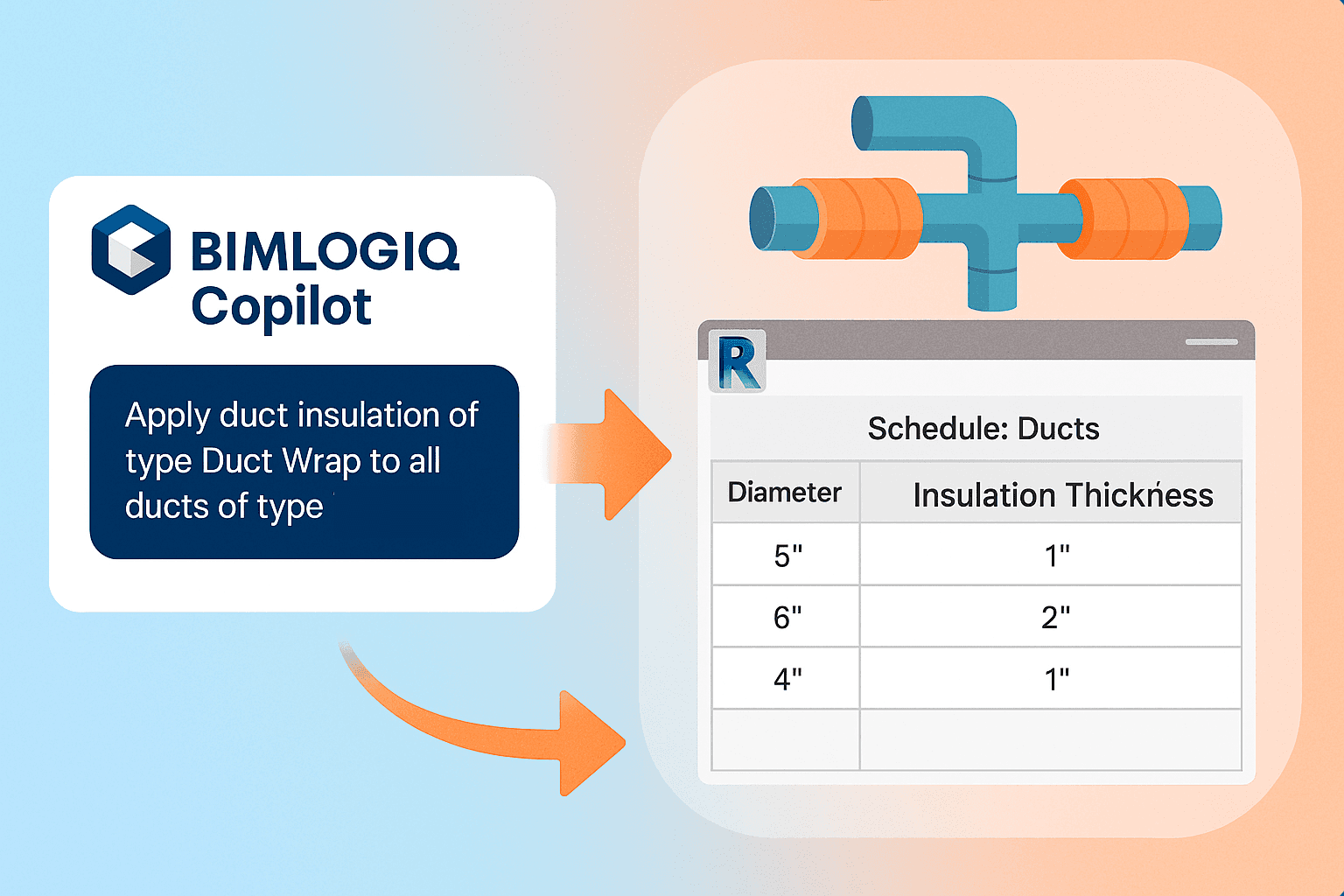
Applying Duct Insulation in Revit Using AI with BIMLOGIQ Copilot
Use BIMLOGIQ Copilot to automatically apply duct insulation in Revit based on system type and diameter, and save the workflow as a reusable command for future HVAC projects.
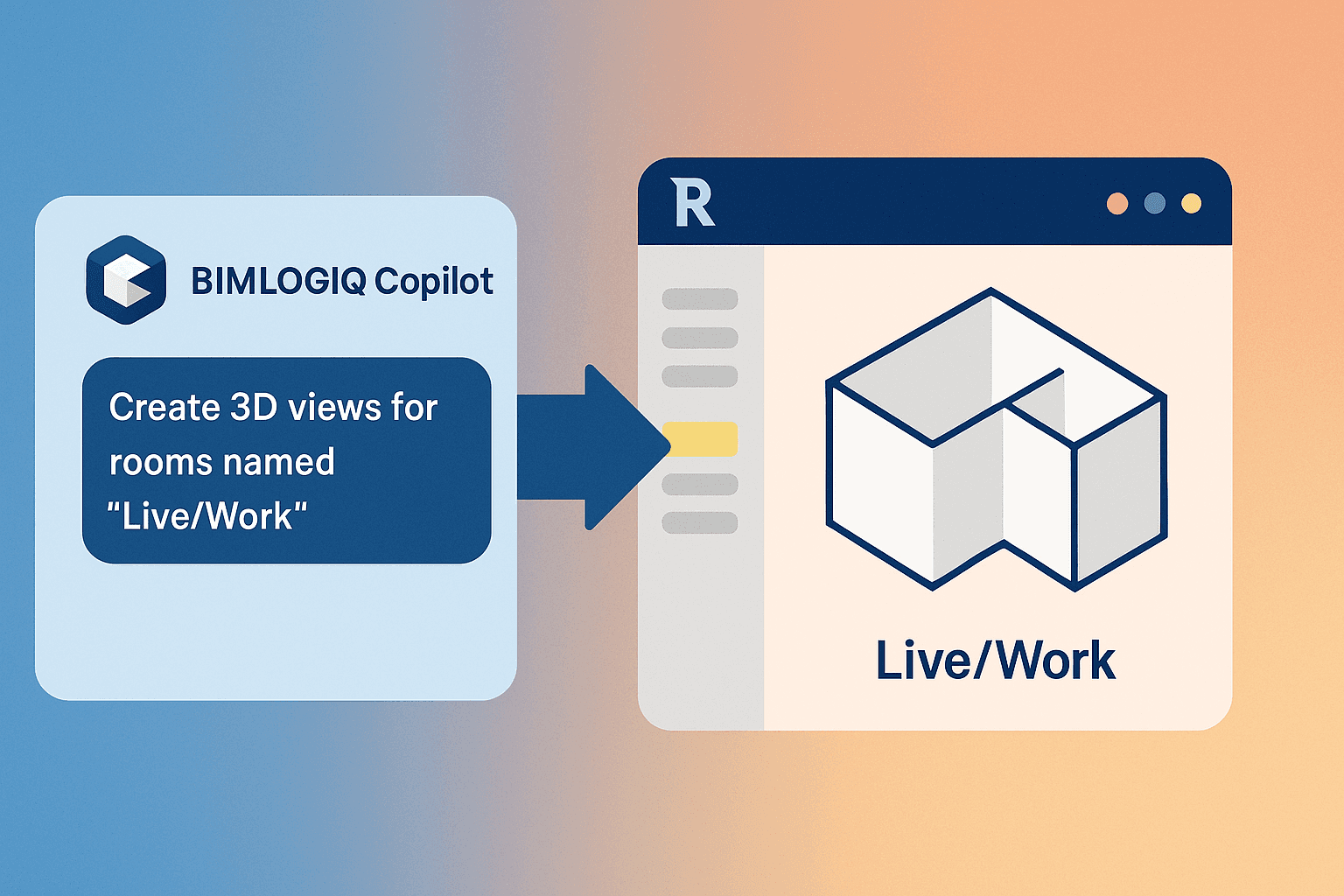
Creating 3D Views for Specific Rooms in Revit Using AI with BIMLOGIQ Copilot
BIMLOGIQ Copilot generates individual 3D views with section boxes for rooms matching a name pattern, and the command can be saved and adapted to any room criteria.
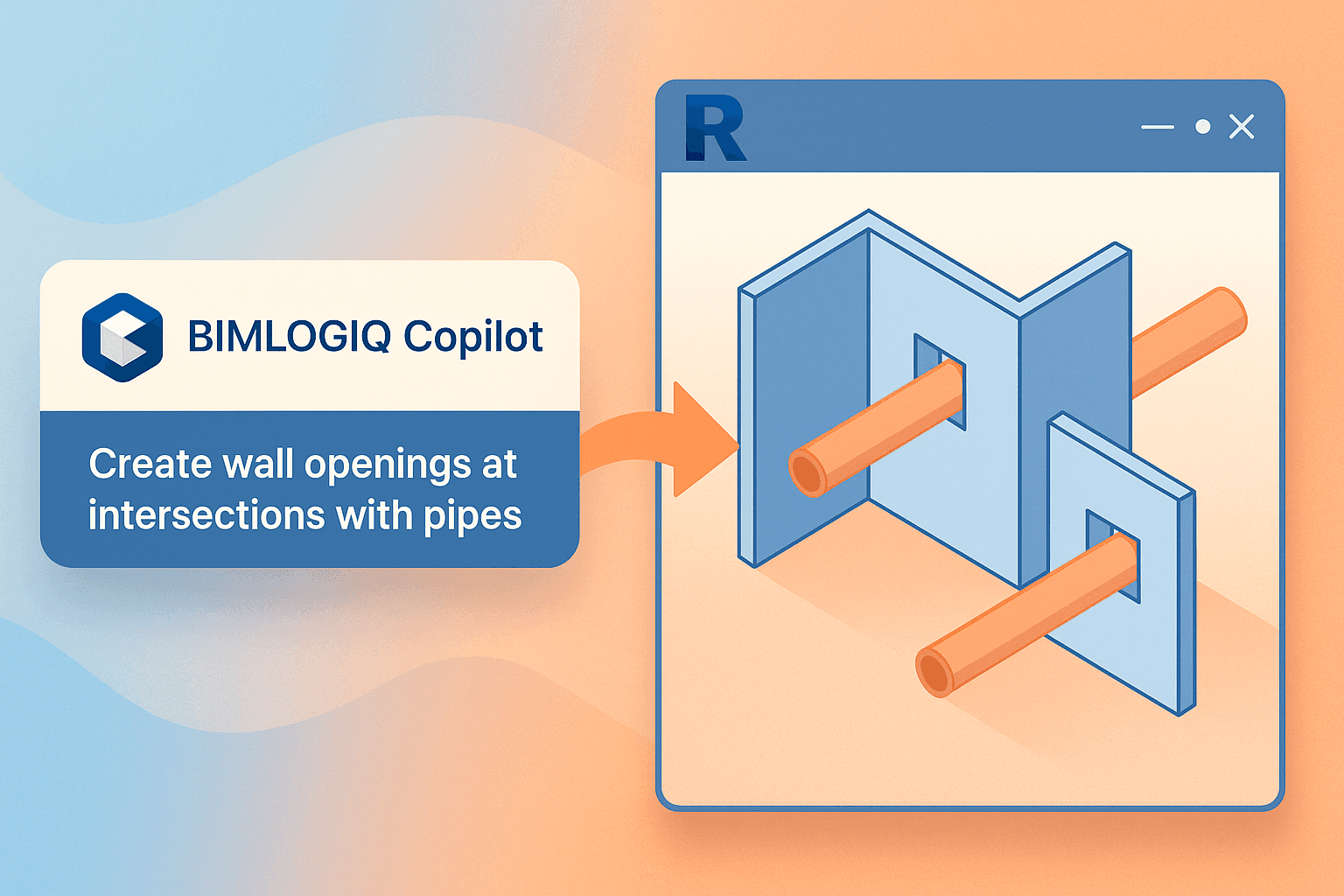
Automating Wall Openings for Pipe Intersections in Revit Using AI with BIMLOGIQ Copilot
BIMLOGIQ Copilot automatically creates correctly sized wall openings at every pipe intersection in your Revit project, eliminating tedious manual coordination.
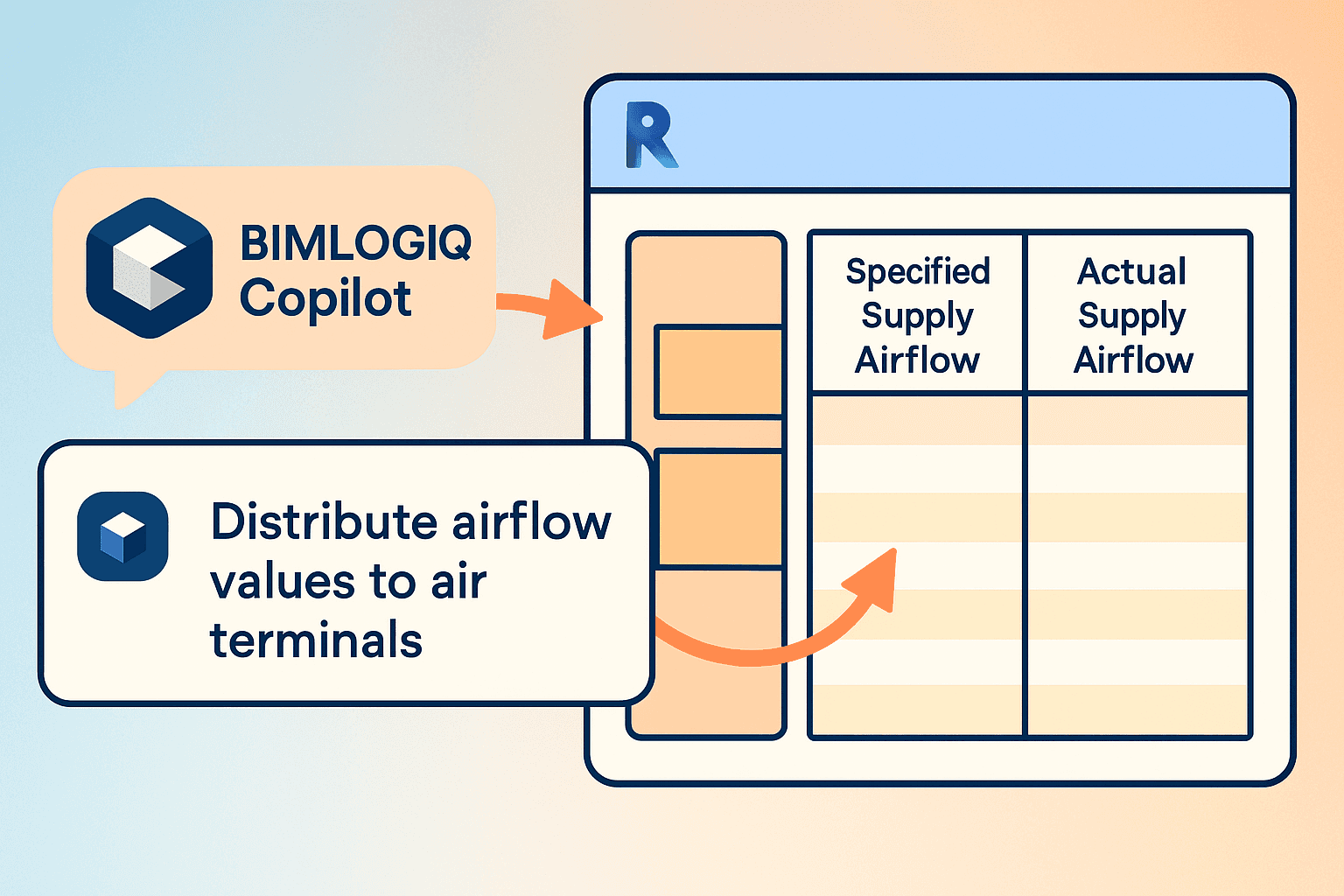
Automating Air Flow Distribution in Revit Using AI with BIMLOGIQ Copilot
BIMLOGIQ Copilot reads the Specified Supply Airflow of a space and evenly distributes it across the air terminals inside, aligning specified and actual flow values automatically.
No articles in this category yet.