

Fabrication Part Settings
Define and manage shared parameters for fabrication elements (e.g., MEP detailing, prefabrication):

Click Fabrication Parts Parameters from the Smart Annotation ribbon to open the dedicated panel.
Browse existing shared parameters:
Click Browse to select a shared parameter from your Revit project or an external shared parameter file.
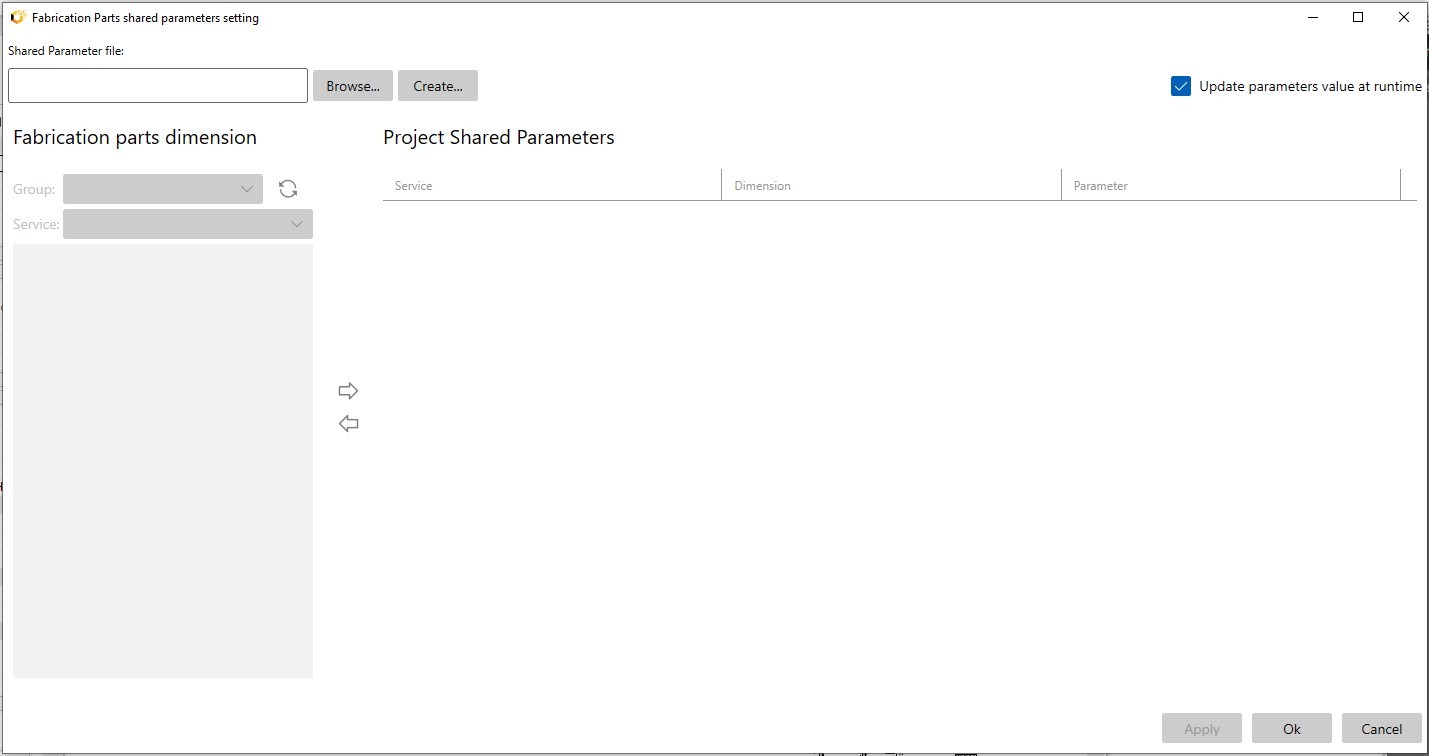
Create new parameters:
Click Create to define a new project-specific shared parameter.
Specify the name, data type, and target category (e.g., Ducts, Pipes).
The parameter will be available in tag templates and the Revit properties palette.
Dynamic parameter updates:
Linked parameters update in real-time during annotation, reflecting changes (e.g., system designation, size, flow) automatically.

Recommended Use Cases:
MEP fabrication workflows (ducts, pipes, conduit).
Prefabrication documentation packages.
QA/QC parameter verification during coordination.
Supplier or customer specification annotations.
This feature provides data-rich, fabrication-ready documentation.
